 weboxacademy | Premium WordPress Assets, SEO Training & Educational Videos
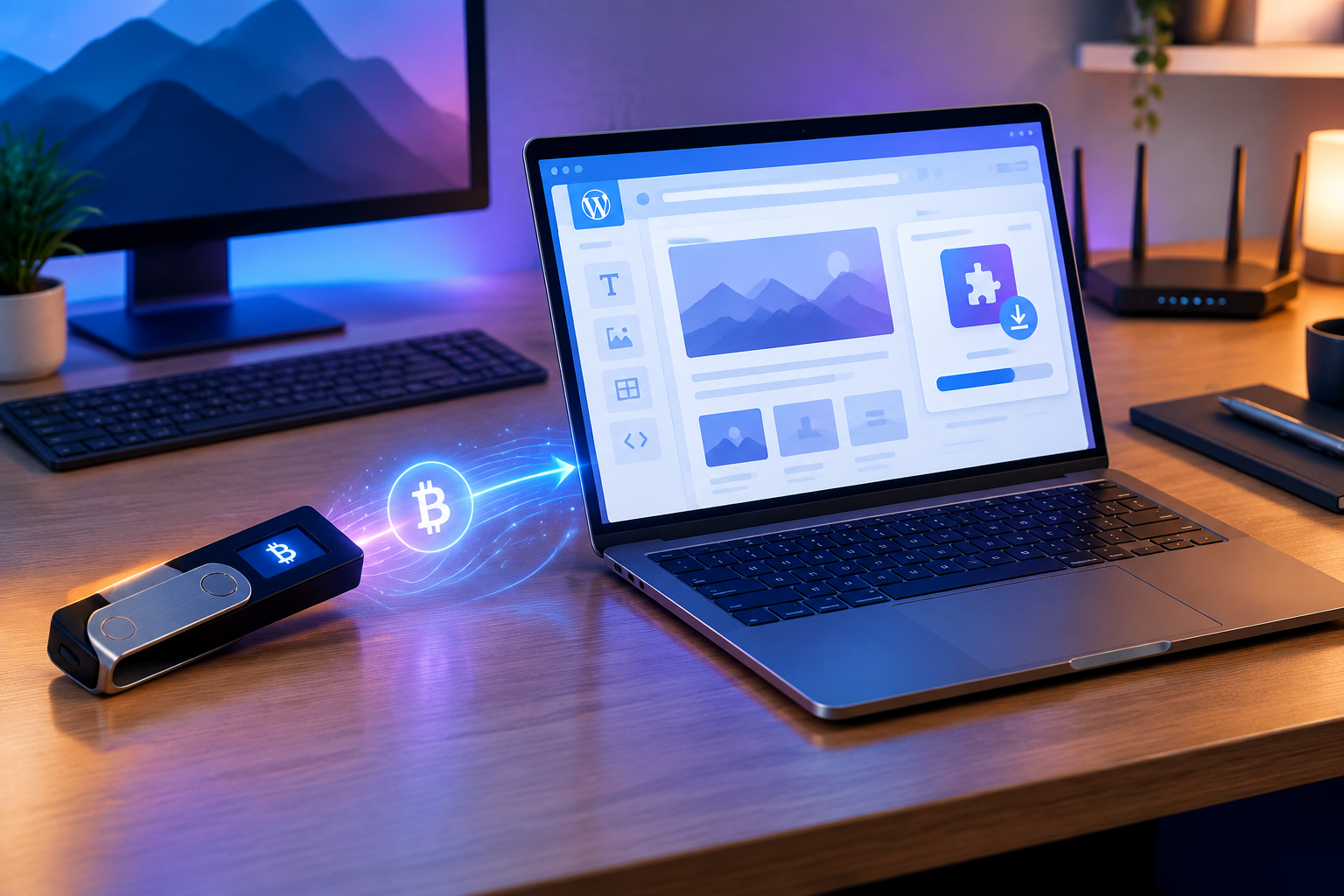
Buying WordPress plugins and themes with a GPL license through cryptocurrency provides developers, web designers, and business owners with a convenient way to obtain digital products with fewer intermediaries. This payment method can simplify international payments, provided that you carefully check the network, fees, wallet address, product details, and license terms before transferring funds.
Benefits of Buying WordPress Products with Cryptocurrency
The short answer is this: buying WordPress plugins and themes with cryptocurrency can be a smart choice when you need to make an international payment and receive the product digitally. According to the information provided about WeBox Academy, the products offered by this platform are presented as GPL-licensed, and cryptocurrency payments are available. Cryptocurrency payments can serve as an alternative to traditional banking methods for some users. However, transaction confirmation times and access to the product depend on the payment gateway and the selected network.
The digital nature of the product is also important. Plugins, themes, or video courses do not require storage, packaging, or shipping and can be delivered digitally after payment is completed. However, delivery speed and transaction confirmation depend on the payment gateway, selected cryptocurrency, and payment network. Therefore, you should not make a decision based solely on claims such as “fast payment.”
Security and Speed in International Transactions
When paying with cryptocurrency, the buyer sends the required amount from their wallet to a specific address on a particular network. After the transfer, the transaction can usually be tracked using its unique transaction ID on that network. This process can be useful for international digital purchases, especially when the user does not have access to a direct bank gateway or suitable payment card.
The security of this method depends largely on the user’s accuracy when entering payment information. Before confirming a purchase, check the following:
- Make sure the cryptocurrency and selected network exactly match the information provided by the payment gateway.
- Compare the destination wallet address with the information displayed by the payment gateway.
- Check the final amount and network fee before sending the payment.
- Keep the transaction ID and payment receipt until the order has been completed.
Payment confirmation speed is not the same for all cryptocurrencies and networks. The required number of confirmations, network conditions, and the payment gateway’s policies can affect processing time. Therefore, the speed advantage of buying WordPress plugins only becomes meaningful when the correct network is selected and the order information is entered correctly.
For example, if a user sends the correct amount through a network different from the one specified by the payment gateway, the transaction may not be properly detected. Cryptocurrency payments also generally cannot be canceled or reversed as easily as some traditional bank payments. For this reason, checking the destination address and network again before confirming the payment is an essential part of a secure purchase, not an optional step.
Global Access to GPL Products
Cryptocurrency can reduce some geographical barriers associated with payments. Developers, web designers, and small business owners can use a wallet and network available to them to make payments to suppliers in other markets. This advantage is particularly relevant when purchasing WordPress themes and plugins because these products are delivered digitally and do not require physical shipping.
Here, it is important to distinguish between the payment method and the right to use the product. Cryptocurrency only provides the payment method; the GPL license defines the framework for using the software. Therefore, before purchasing, review the product description, compatible WordPress version, delivery method, and license terms in addition to the available payment method. Global access does not automatically mean that a product is compatible with every website or every version of WordPress.
For example, a web designer who wants to use a plugin across multiple projects should consider both the available payment method and the permitted usage specified for that particular product. If the product is not suitable for the project’s requirements, an easy payment process cannot compensate for making the wrong choice.
As a result, buying WordPress plugins and themes with cryptocurrency can be a smart option for users who need an international payment method with fewer intermediaries, understand the risks of sending funds incorrectly, and review the product specifications and GPL license before purchasing. This approach turns cryptocurrency purchasing from a purely technical option into an informed way of obtaining WordPress tools.
Why Is the GPL License Important for Developers?
In simple terms, the GPL license allows users to run the software, examine its code, modify it within the terms of the license, and share permitted versions with others. In WordPress products, this license can be valuable for developers who want to customize a theme or plugin for their projects rather than being limited to predefined settings.
According to the information provided about WeBox Academy, the WordPress products offered by this platform are presented as GPL-licensed. However, the GPL license itself does not guarantee code quality, compatibility with every version of WordPress, or permanent access to updates. These factors should be evaluated separately based on the product description and the terms under which the product is provided.
Freedom to Customize and Use
The main value of GPL for developers is the freedom to use and modify software. For example, if a GPL WordPress plugin provides contact forms, page-building functionality, or store management features, a developer can install it on a client’s project and modify its settings, appearance, or code according to the project’s requirements, while complying with the license terms when redistributing a modified version.
This freedom has several practical applications:
- Using a plugin or theme in more than one project, within the terms of the license;
- Examining the code to understand its functionality and integrate it with the site’s structure;
- Modifying the user interface, display layouts, or certain features;
- Combining the tool with custom code or other compatible WordPress components.
For example, a web designer who needs greater control over the header, footer, or product page can use a tool such as Elementor Pro for WordPress alongside custom settings and project-specific code. GPL does not prevent the technical use of the product; however, the distribution of modified versions and the handling of rights related to the code must comply with the applicable license terms.
An important point is that software freedom is not the same as ownership of a trademark. A GPL license generally applies to the code and rights related to using, studying, modifying, and distributing the software. Trademarks, logos, educational content, or support services may be subject to separate terms. Therefore, developers should distinguish between the “right to modify the code” and the “right to use the brand or receive support services.”
Quality and Updates
GPL does not guarantee quality or support. A GPL product may be suitable for a project in terms of its features, while its update status, documentation, compatibility with the current version of WordPress, and vendor support still need to be evaluated separately. This distinction helps prevent poor decisions: legal freedom to use software does not replace technical evaluation of the product.
Before installation, check the following:
- Make sure the functionality you need is clearly included in the product description;
- Make sure your WordPress version, PHP version, and major plugins are compatible with the product;
- Make sure the process for receiving the file, new versions, and update information is clearly explained;
- For a live website, create a backup of your files and database first;
- Test the product in a staging environment or test website before using it on the live site.
Therefore, GPL provides WordPress users with two separate benefits: greater freedom to use and customize software, and the ability to choose tools without complete dependence on technical restrictions. However, quality, practical security, compatibility, and updates depend on the specific product and how it is provided. When purchasing GPL WordPress plugins and themes with cryptocurrency, review the license terms alongside the technical specifications and the process for receiving new versions.
Steps for Safely Buying a WordPress Plugin or Theme from WeBox Academy
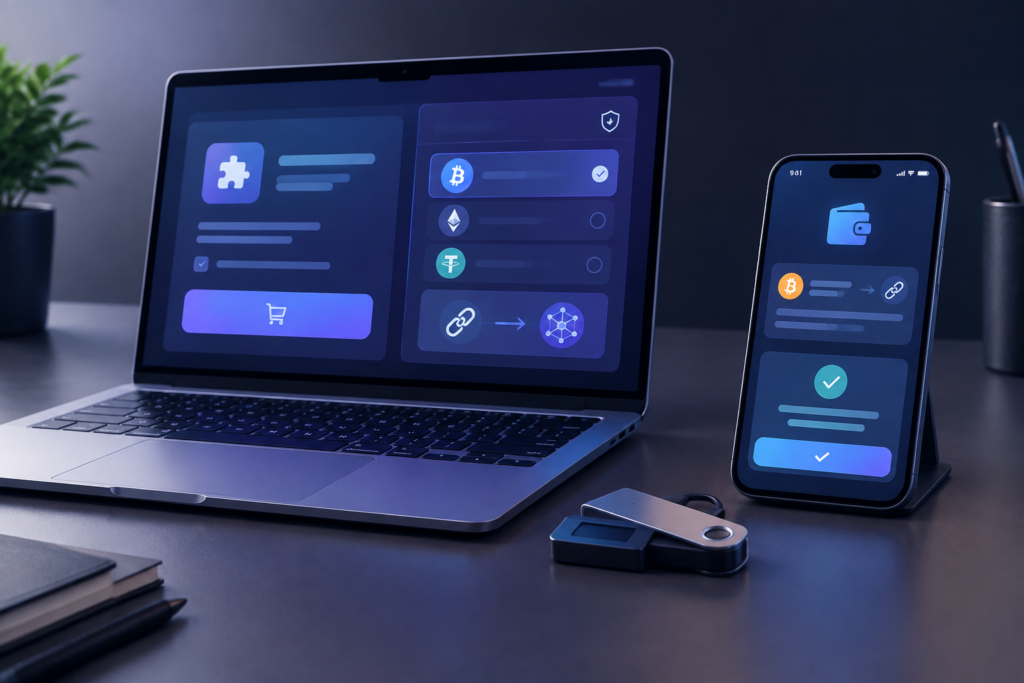
To complete your purchase, first find the plugin or theme you need on the website, read the product specifications and terms, add it to your shopping cart, and then select cryptocurrency as the payment method during checkout. The information provided about WeBox Academy indicates that the products offered by the site are digital, GPL-licensed products and that cryptocurrency payments are available.
Selecting a Product and Adding It to the Shopping Cart
Start the process by identifying the requirements of your project. If you plan to build professional pages, an online store, or a landing page, review the Elementor Pro for WordPress product page. For other requirements, you can browse the relevant plugin and theme categories.
- Search for the plugin or theme by name or open the relevant category.
- Read the product page and review its features, intended use, stated compatibility, and digital file type.
- Make sure the selected product matches the actual requirements of your website. For example, a page builder and an image optimization plugin serve different purposes.
- Add the product to the shopping cart and check the product name and quantity again.
Before proceeding to payment, consider your WordPress version, active theme, and currently installed similar plugins. Installing multiple tools with the same functionality can make website management more complicated. Therefore, make your purchase based on a specific need rather than simply choosing a product with more features.
Completing the Payment with Cryptocurrency
After reviewing your shopping cart, go to the checkout page and select cryptocurrency as the payment method. At this stage, carefully read the payment information displayed and send only the amount and through the network specified by the payment gateway. Selecting the wrong network may cause the transaction to fail to register correctly.
- Check the order information and final amount.
- Match the cryptocurrency and network specified by the payment gateway with your wallet.
- Send the required amount to the displayed address without making unnecessary changes.
- Keep the receipt or transaction ID so that the order can be tracked if necessary.
- After the payment is confirmed, check your user account or order confirmation message for instructions on accessing the digital file.
The payment amount, network fee, and confirmation time depend on the details of the specific transaction. Therefore, check that you have sufficient funds and verify the payment information before sending the funds. If the payment page displays different details, follow the current instructions shown by the payment gateway and avoid sending multiple payments for the same order.
After receiving the file, install it in a staging environment or on a backed-up version of your website and then configure the product. This step allows you to check the compatibility of the plugin or theme with your website structure before using it on the live site.
Preparing Your Account and Order Information
Before starting the purchase, prepare your project details and file delivery information so that you can make more accurate decisions during the following steps. If you are purchasing a product for a client’s website, write down the project name, domain, WordPress version, active theme, and required functionality. This helps prevent you from choosing a product simply because of its title or large number of features and allows you to compare your actual requirements with the product description.
If you have a user account, log in with the account where you want the digital order to be registered. Carefully check your email address, as the confirmation message or file access information may be associated with that address. Create a dedicated folder for the receipt, transaction ID, product ZIP file, and installation instructions. For purchases involving multiple projects, label each file with the relevant website or project name to prevent different versions from being mixed up.
- Define the project’s technical requirement in one sentence, such as “build a landing page” or “optimize images.”
- Compare the selected product and its primary functionality with that requirement.
- Double-check your account and delivery email information.
- Before payment, save a screenshot or written record of the order and final amount.
If you have multiple products in your shopping cart, review each item separately based on its purpose and necessity. Removing products that do not address a specific requirement can simplify plugin management and make the installation and testing process more organized.
Tracking the Order and Preparing for Installation
After making the payment, complete the purchasing process by recording the order information instead of immediately closing the payment page. Keep the confirmation message, order number, transaction ID, and any instructions related to downloading the file in the same order folder. If the file is available through your user account, check the orders or downloads section after logging in. If a download link is included in the confirmation message, keep that message as well.
Organize the downloaded file using the product name and download date before installation. First, create a backup of the target website and perform the installation in a staging environment or a separate version of the website. At this stage, the goal is to determine whether the product is compatible with the active theme, WordPress version, other plugins with similar functionality, and project settings. Therefore, it is better not to make several other changes at the same time so that the cause of any potential problem remains clear.
- Keep the ZIP file in a secure location and do not rename it unnecessarily.
- Install and activate the product separately and then check the key pages of the website.
- Test forms, menus, product pages, user login areas, and other sections affected by the product.
- If you encounter an error, record the installation time, product name, and error message.
Before using the product on the live website, record the test results and create a backup of the current settings. Then activate the product and check visual and functional changes step by step. Keeping these records makes future purchases, file management, and order tracking faster and more organized.
Frequently Asked Questions
Is buying GPL products with cryptocurrency suitable for every project?
This method can be suitable for users who need an international payment method with fewer intermediaries and can verify the wallet information, network, fees, and product specifications before transferring funds. The payment method alone does not guarantee product compatibility or suitability for a project. Therefore, you should also evaluate your technical requirements and the license terms.
What freedoms does the GPL license provide when using a WordPress plugin or theme?
GPL generally allows users to run, examine, modify, and share permitted versions of the software within the terms of the license. Developers can customize the product for their projects, but rights related to trademarks, logos, educational content, or support services may be subject to separate terms.
What should I check before paying for a WordPress product with cryptocurrency?
The cryptocurrency and network should exactly match the information provided by the payment gateway. You should also check the destination wallet address, final amount, network fee, product specifications, compatible WordPress version, file delivery method, and license terms. After payment, keep the receipt and transaction ID until the order has been completed.
How do I install a plugin or theme purchased from WeBox Academy?
After the payment is confirmed, check the order confirmation message or your user account to access the file and keep it in a secure location. Create a backup of your website before installation and test the product in a staging environment first. Check its compatibility with your active theme, WordPress version, and other plugins step by step before using it on your live website.


One reply on “Guide to Buying WordPress Plugins and Themes with Cryptocurrency”