 weboxacademy | Premium WordPress Assets, SEO Training & Educational Videos
What Is Yoast SEO?
Yoast SEO is a WordPress SEO plugin designed to help website owners optimize content and manage important technical SEO settings.
It can help with areas such as:
- SEO titles and meta descriptions
- XML sitemaps
- Schema markup
- Canonical URLs
- Social media metadata
- Robots settings
- Content analysis
- Breadcrumbs
- WooCommerce SEO through additional functionality
Yoast has also continued adding new features. For example, its 2026 feature timeline includes AI-assisted content planning and improvements related to structured data.
However, the fact that Yoast is popular does not necessarily mean it is the right choice for every WordPress website.
That is why it is useful to understand the alternatives.
Why Look for Yoast SEO Alternatives?
There are several reasons a WordPress user might consider another SEO plugin.

1. You want more features in one dashboard
Some SEO plugins try to combine SEO analysis, redirects, schema, internal linking, analytics, and other tools into a single interface.
2. You prefer a simpler interface
Not every website owner needs dozens of SEO settings.
For a small website or blog, a lightweight and straightforward plugin can sometimes make the workflow easier.
3. You run a WooCommerce store
WooCommerce websites have additional SEO requirements, including product structured data, product categories, indexation management, and optimization of large numbers of URLs.
4. You want stronger automation
Some plugins provide automation or AI-assisted features that can reduce repetitive SEO work.
5. You are migrating from another SEO plugin
Many modern WordPress SEO plugins provide migration tools so you can transfer important SEO settings instead of starting from zero.
The 7 Best Yoast SEO Alternatives in 2026
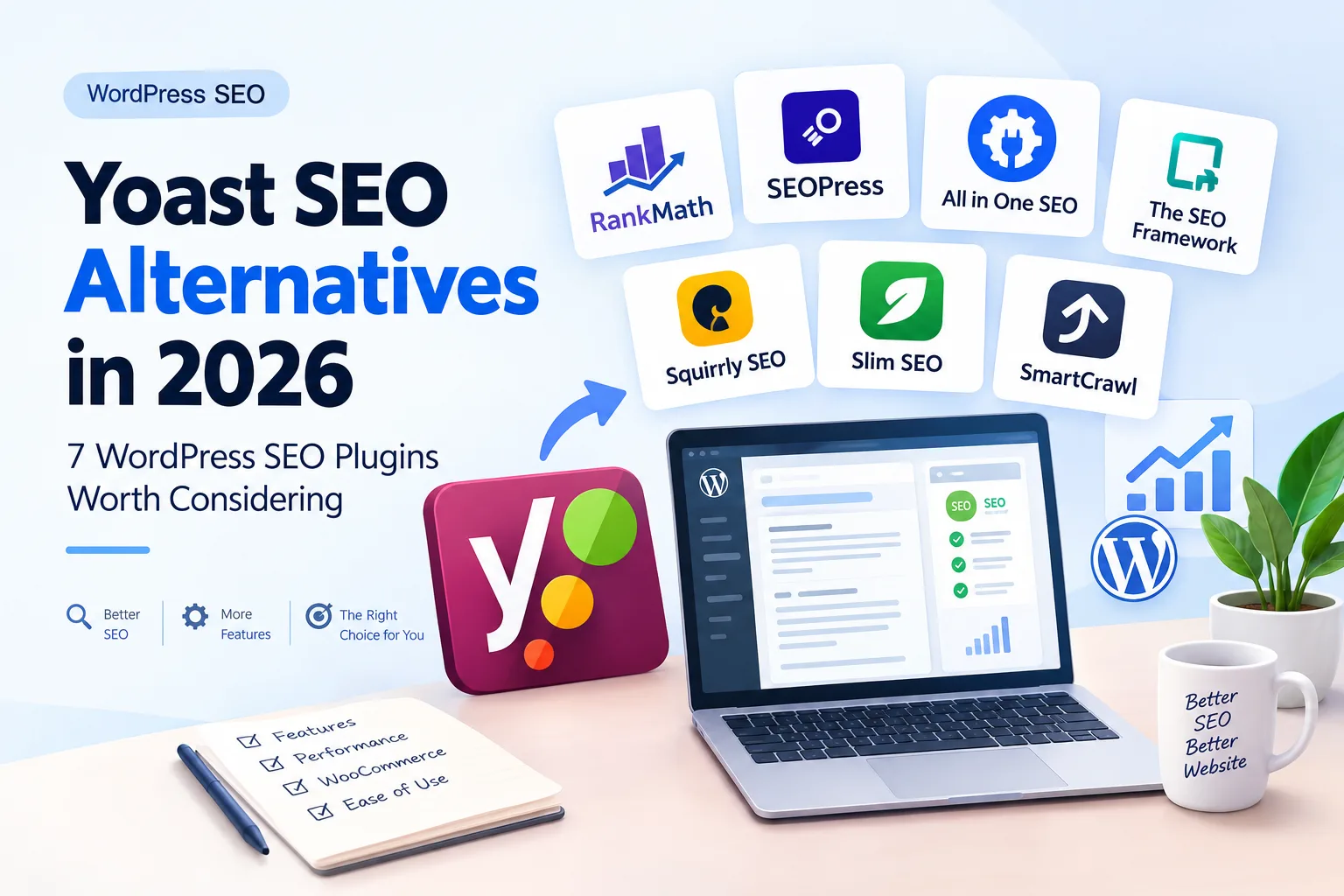
Here are seven WordPress SEO plugins worth researching:
- Rank Math
- SEOPress
- All in One SEO
- The SEO Framework
- Squirrly SEO
- Slim SEO
- SmartCrawl
Let’s look at them individually.
1. Rank Math
Best for: WordPress users who want a feature-rich SEO toolkit.
Rank Math has become one of the most widely discussed alternatives to Yoast SEO.
Its feature set includes SEO analysis, content optimization, XML sitemaps, schema functionality, redirects, Search Console integration, and keyword tracking features.
Rank Math also provides migration functionality for users moving from plugins such as Yoast SEO, All in One SEO, and SEOPress.
Why consider Rank Math?
Some of its notable features include:
- SEO analysis
- Content analysis
- Schema support
- XML sitemaps
- Redirection management
- Google Search Console integration
- Keyword tracking
- WooCommerce SEO functionality
- Migration tools
- AI-related SEO features
For users who want many SEO functions from a single plugin, Rank Math can be an interesting alternative.
Who should use Rank Math?
Rank Math may be particularly interesting for:
- Bloggers
- Affiliate websites
- Content websites
- WooCommerce stores
- SEO professionals
- Users managing many WordPress websites
If you are currently learning WordPress SEO, you can also read our guide to WordPress SEO plugins to understand how SEO plugins fit into a larger optimization strategy.
2. SEOPress
Best for: Users looking for a clean SEO interface with strong technical controls.
SEOPress is another established alternative to Yoast SEO.
Its feature set covers many of the fundamental areas required for WordPress SEO, including titles and meta descriptions, XML sitemaps, robots controls, canonical URLs, redirects, structured data, and content analysis.
SEOPress also provides internal linking suggestions in its premium version and integrates with page builders.
SEOPress features include:
- SEO titles and meta descriptions
- XML and HTML sitemaps
- Meta robots controls
- Canonical URLs
- Redirect management
- Schema
- Image SEO
- WooCommerce support
- Google Search Console integration
- Content analysis
- Internal linking suggestions
SEOPress has also introduced newer AI-related functionality in its recent versions, including AI agents and an AI assistant.
Who should consider SEOPress?
It can be worth considering if you want:
- More technical SEO control
- A relatively clean interface
- Strong metadata management
- WooCommerce support
- Schema tools
- Advanced indexing controls
3. All in One SEO
Best for: Beginners and website owners who want a broad WordPress SEO toolkit.
All in One SEO official website
All in One SEO, commonly called AIOSEO, is another long-standing alternative to Yoast.
The plugin includes features for XML sitemaps, SEO audits, Search Console integration, image SEO, redirects, schema, social media optimization, and internal linking.
Some AIOSEO features include:
- SEO audit checklist
- XML sitemaps
- Google Search Console integration
- Broken link monitoring
- Link Assistant
- Redirection management
- Image SEO
- Schema
- Social media integration
- WooCommerce SEO
One interesting feature is Link Assistant, which can suggest relevant internal links from inside WordPress.
This can be particularly useful as your website grows and you have dozens or hundreds of articles.
4. The SEO Framework
Best for: Users who prefer a more lightweight and minimalist SEO approach.
The SEO Framework official website
The SEO Framework takes a different approach from large all-in-one SEO suites.
Instead of trying to put every possible SEO feature into the main interface, it focuses on core SEO functionality and offers additional extensions for specific needs.
Its documentation covers areas such as:
- Meta optimization
- XML sitemaps
- Structured data
- Breadcrumbs
- Robots controls
- SEO monitoring
- Migration from other SEO plugins
This approach can appeal to users who want their SEO plugin to remain relatively simple.
5. Squirrly SEO
Best for: Content creators interested in SEO guidance and content optimization.
Squirrly SEO focuses heavily on helping content creators optimize their articles and pages.
Depending on the version and plan, its ecosystem includes tools related to keyword research, content optimization, SEO audits, and ranking analysis.
It can be worth investigating if your main goal is not only technical SEO but also getting guidance while creating content.
For a content-heavy website, however, you should compare its workflow with the other plugins before migrating.
6. Slim SEO
Best for: Website owners who want a lightweight SEO plugin.
Slim SEO focuses on automating many common WordPress SEO tasks.
The general idea is simple:
Configure fewer settings manually and let the plugin handle common SEO requirements automatically.
This type of approach can be useful for smaller websites where the owner does not want to spend a lot of time configuring technical SEO settings.
However, users who need detailed control over schemas, redirects, indexing rules, WooCommerce SEO, or advanced technical configurations may prefer a more feature-rich plugin.
7. SmartCrawl
Best for: WordPress users looking for an SEO plugin integrated with the broader WPMU DEV ecosystem.
SmartCrawl provides features for areas such as:
- SEO titles
- Meta descriptions
- Sitemaps
- Schema
- Social metadata
- SEO analysis
- Redirects
Its main advantage can be especially relevant for website owners who already use other WPMU DEV products.
If you are starting a new website, however, compare its features, performance, pricing, and workflow with the other alternatives before choosing it.
Yoast SEO vs Its Alternatives
There is no universal winner because different websites have different requirements.
Here is a practical comparison:
| Plugin | Main Strength | Suitable For |
|---|---|---|
| Yoast SEO | Established SEO workflow | Blogs, businesses, content websites |
| Rank Math | Broad feature set | Advanced WordPress users |
| SEOPress | Technical SEO controls | SEO-focused websites |
| AIOSEO | Beginner-friendly toolkit | Small businesses and content sites |
| The SEO Framework | Minimalist approach | Lightweight websites |
| Squirrly SEO | Content optimization | Content creators |
| Slim SEO | Automation | Simple websites |
| SmartCrawl | WPMU DEV ecosystem | Managed WordPress setups |
Instead of asking “Which plugin is the best?”, a better question is:
Which SEO plugin provides the features I actually need without making my website harder to manage?
Yoast SEO vs Rank Math
This is one of the most common comparisons in WordPress SEO.
Rank Math emphasizes a broad collection of SEO tools in one plugin, including SEO analysis, schema, Search Console integration, keyword tracking, and migration functionality.
Yoast, meanwhile, has a long history in WordPress SEO and continues to develop content planning, structured data, and other SEO features.
The important difference is not simply the number of features.
Consider:
- Which interface do you prefer?
- Which features do you actually need?
- Do you run WooCommerce?
- Do you need advanced schema?
- Do you need redirects?
- Do you manage multiple websites?
- Do you want more automation?
- Is the plugin compatible with your theme and other plugins?
Those questions are more useful than choosing a plugin based only on popularity.
Yoast SEO vs SEOPress
SEOPress is particularly interesting for users who want detailed control over technical SEO.
It supports customizable titles, meta descriptions, robots settings, canonical URLs, sitemaps, redirects, structured data, and other SEO controls.
SEOPress also integrates with page builders, allowing users to manage SEO metadata and content analysis within their editing workflow.
If you are managing a technically complex WordPress website, it is worth comparing the actual settings and workflow before deciding whether to migrate from Yoast.
How to Choose a Yoast SEO Alternative
Before installing another SEO plugin, make a checklist.
1. Check your current SEO settings
Do not immediately deactivate Yoast.
First review:
- SEO titles
- Meta descriptions
- Canonical URLs
- Index/noindex settings
- XML sitemaps
- Schema
- Redirects
- Social metadata
A poorly planned migration can create unnecessary SEO problems.
2. Check migration support
If you already have a website with hundreds of articles, manually rebuilding SEO metadata can be extremely time-consuming.
Choose a plugin that provides a reliable migration process.
For example, Rank Math provides a migration mechanism for several popular SEO plugins.
3. Consider WooCommerce
If you operate an online store, don’t evaluate an SEO plugin only by its blog features.
You should also check:
- Product schema
- Product category indexing
- Product metadata
- Breadcrumbs
- XML sitemaps
- Out-of-stock products
- Canonical URLs
- Pagination
- Faceted navigation
You can also read our WooCommerce SEO guides on WeboxAcademy for more practical optimization techniques.
4. Check performance
An SEO plugin should not become another source of unnecessary complexity on your website.
Look at:
- Database queries
- Admin performance
- Front-end assets
- Compatibility with caching plugins
- Compatibility with your theme
- Compatibility with page builders
Remember that an SEO plugin alone cannot make a slow website fast.
For performance optimization, your hosting, theme, images, caching configuration, plugins, database, and server response time all matter.
Should You Switch From Yoast SEO?
Not necessarily.
If Yoast is working well on your website and your current SEO configuration is stable, there is no SEO rule that says you must switch.
Changing SEO plugins simply because another plugin has more features can create unnecessary work.
A migration makes more sense when you have a specific reason, such as:
- You need a feature Yoast doesn’t provide in your workflow.
- You prefer another plugin’s interface.
- You need a different WooCommerce SEO workflow.
- You want specific schema or redirect functionality.
- You want a different level of automation.
- You are rebuilding your website anyway.
In other words, don’t migrate without a reason.
How to Migrate From Yoast SEO Safely
If you decide to change your SEO plugin, follow a controlled process.
Step 1: Back up your website
Create a complete backup of:
- WordPress files
- Database
- WooCommerce data
- SEO settings
Step 2: Record important URLs
Pay particular attention to:
- Homepage
- Important categories
- Main articles
- Products
- Landing pages
Step 3: Check existing metadata
Export or document important SEO titles and meta descriptions where necessary.
Step 4: Install the new SEO plugin
Do not immediately delete your existing configuration.
Step 5: Use the migration feature
If the new plugin provides an importer, use it to transfer your existing SEO data.
Step 6: Verify important pages
Check:
- Title
- Meta description
- Canonical
- Robots directives
- Schema
- Open Graph data
Step 7: Check your sitemap
Make sure your XML sitemap still contains the URLs you want search engines to crawl and index.
Step 8: Monitor Google Search Console
After migration, monitor:
- Indexing
- Search impressions
- Clicks
- Average position
- Coverage/indexing issues
- 404 errors
Do not judge the migration based on one day’s data.
Frequently Asked Questions
What is the best alternative to Yoast SEO in 2026?
There is no single best alternative for every WordPress website. Rank Math, SEOPress, AIOSEO, The SEO Framework, and other plugins each take different approaches to WordPress SEO.
Is Rank Math better than Yoast SEO?
Rank Math offers a broad collection of SEO features, while Yoast has a long-established WordPress SEO workflow. The better choice depends on the features, interface, and workflow you need.
Is SEOPress a good Yoast alternative?
SEOPress provides tools for titles, meta descriptions, sitemaps, redirects, schema, indexing controls, content analysis, and other SEO functions, making it one of the alternatives worth considering.
Can I switch from Yoast SEO to another plugin?
Yes. Several WordPress SEO plugins provide migration functionality. However, you should back up your website and verify important SEO settings after migration.
Should I use more than one SEO plugin?
Generally, you should avoid running multiple plugins that perform the same core SEO functions. Overlapping metadata, schema, sitemaps, redirects, or robots settings can create conflicts.
Which SEO plugin is best for WooCommerce?
There is no universal answer. When comparing plugins for WooCommerce, focus specifically on product schema, product categories, indexing controls, breadcrumbs, canonical URLs, sitemaps, and compatibility with your WooCommerce setup.
Can an SEO plugin guarantee higher Google rankings?
No. SEO plugins provide tools that help you implement and manage SEO, but they cannot guarantee rankings. Search visibility also depends on content quality, search intent, technical SEO, competition, links, site quality, and many other factors.
Final Thoughts
Yoast SEO remains a major option for WordPress websites, but it is not your only choice.
Rank Math, SEOPress, AIOSEO, The SEO Framework, Squirrly SEO, Slim SEO, and SmartCrawl all offer different approaches to WordPress SEO.
The right decision depends on your website rather than a generic “best SEO plugin” list.
If you are starting a new WordPress website, compare the plugins based on the features you actually need.
If you already have a large website running Yoast SEO, don’t migrate simply because another plugin looks more powerful. First identify the problem you are trying to solve, then determine whether changing plugins is worth the migration work.
And if your goal is to learn WordPress SEO rather than simply install a plugin, understanding why SEO settings matter is much more valuable than relying on a green score inside an SEO plugin.
Recommended Reading on WeboxAcademy
- WordPress SEO: Learn how technical SEO, content, internal linking, and search intent work together.
- WooCommerce SEO: Learn how to optimize product pages, categories, and online stores.
- SEO Training: Build a more complete understanding of modern SEO instead of relying only on plugin recommendations.
If you’re looking for a structured way to learn modern SEO, you can also explore the SEO Masterclass, AI SEO & GEO Complete Course on WeboxAcademy:
https://weboxacademy.com/product/seo-masterclass-ai-seo-geo-complete-course/