 weboxacademy | Premium WordPress Assets, SEO Training & Educational Videos
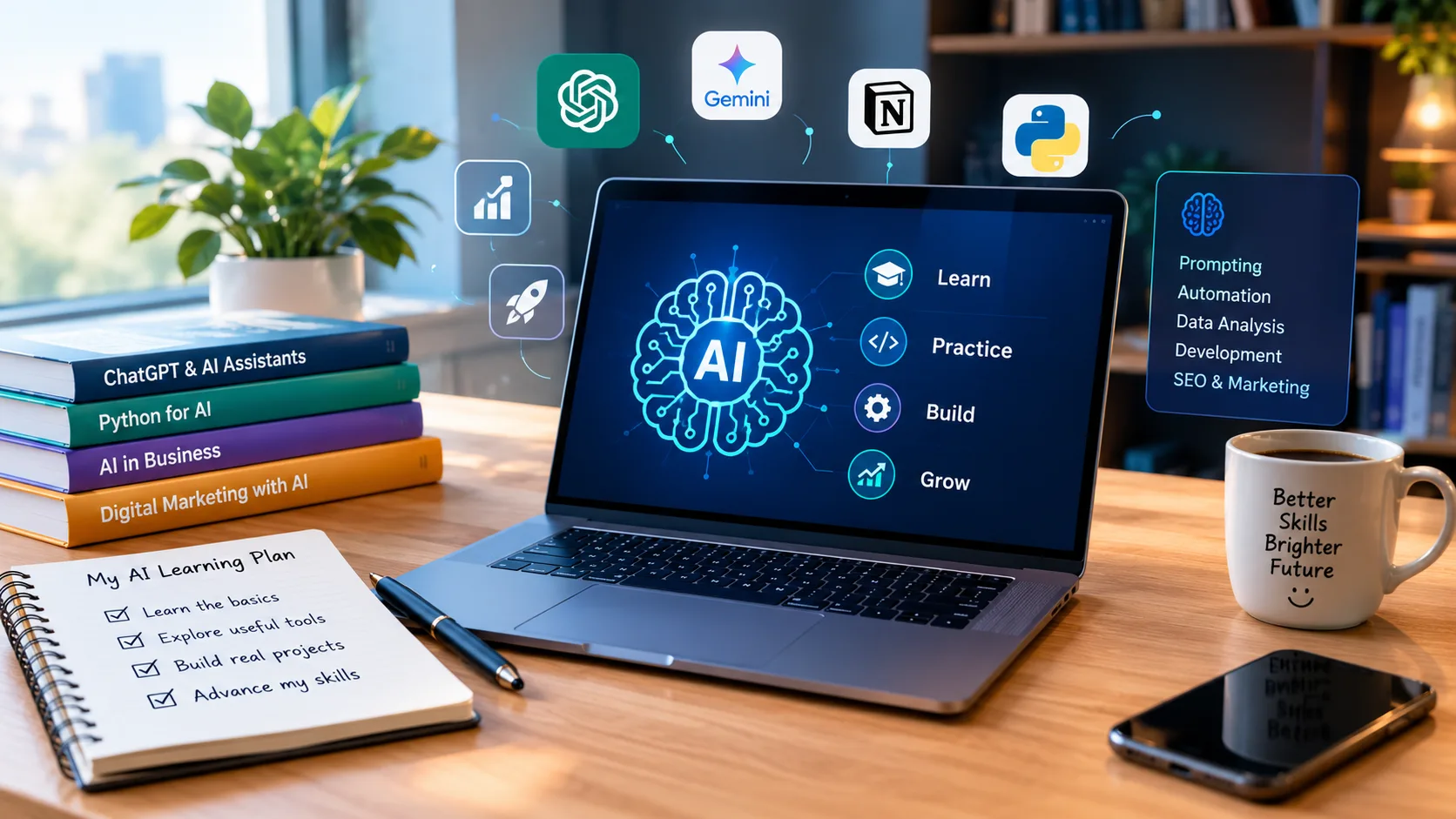
Artificial intelligence is becoming an essential skill for students, freelancers, business owners, marketers, and software developers. From writing content and analyzing spreadsheets to building applications and automating repetitive tasks, AI tools can help people work more efficiently and explore new opportunities.
However, getting started with AI can feel overwhelming. There are hundreds of tools, new features appear frequently, and many beginners are unsure whether they should learn prompting, coding, data analysis, or machine learning first.
The good news is that you do not need to learn everything at once. The most effective approach is to choose a practical goal, learn the relevant tools, and apply your knowledge through real projects.
In this guide, you will discover how to learn AI in 2026, which tools are worth exploring, what skills to prioritize, and how to build a learning roadmap that fits your career goals.
What Does It Mean to Learn AI?
Learning AI does not necessarily mean becoming a machine learning engineer or studying advanced mathematics.
For some people, learning AI means using intelligent assistants to write better content, conduct research, or manage daily tasks. For others, it means developing software, analyzing business data, or creating applications powered by language models.
Most beginners can start with one of three learning paths:
- AI for productivity: Learn to use AI assistants for writing, research, planning, and everyday tasks.
- AI for business: Apply AI to spreadsheets, reporting, marketing, data analysis, and workflow automation.
- AI for development: Learn Python, experiment with language models, and build AI-powered applications.
Choosing the right path helps you avoid wasting time on tools and concepts that do not match your goals.
Step 1: Choose Your AI Learning Goal
Before choosing an AI tool or enrolling in a course, identify the problem you want to solve.
For example, a content creator may want to research topics and develop better content workflows. A business analyst may need to automate spreadsheet tasks. An aspiring developer might want to build a web application without writing every line of code manually.
Start by answering three questions:
- What repetitive task would I like to simplify?
- Which professional skill would make me more productive?
- What practical project could demonstrate my progress?
Your answers will determine which tools you should learn first.
A focused learning goal is generally more useful than collecting dozens of AI subscriptions without developing expertise in any of them.
Step 2: Learn How to Work with AI Assistants
AI assistants are a practical starting point because they can support many everyday activities without requiring programming knowledge.
Tools such as ChatGPT can help users understand complex concepts, generate ideas, summarize documents, draft content, translate text, and solve problems through guided explanations. Their available capabilities vary depending on the model, plan, and enabled tools.
Google’s Gemini ecosystem also provides learning and research experiences. For example, Google’s Gemini learning tools include features designed to support personalized study and practice.
The important skill is not simply learning how to ask an AI assistant a question. It is learning how to provide context, communicate constraints, evaluate the response, and refine the result.
How to Write Better AI Prompts
A useful prompt should explain what you want, why you need it, and what a successful result looks like.
Instead of writing:
“Help me with Excel.”
Try a more specific instruction:
“Act as an Excel tutor for a beginner. Explain how XLOOKUP works, provide a small business inventory example, show the formula, and explain each argument. Then give me three practice questions without showing the answers immediately.”
The second prompt establishes a role, a learning level, a practical example, and a clear output format.
For better results, include:
- Context: Describe your project or situation.
- Objective: State the task you need to complete.
- Constraints: Mention your skill level, tools, budget, or limitations.
- Output format: Specify whether you need instructions, a checklist, code, or a table.
- Verification: Ask the assistant to explain assumptions and identify information that needs checking.
Remember that AI-generated information can be incomplete or incorrect. Verify important claims, calculations, security recommendations, and technical instructions before using them.
Step 3: Explore AI Tools for Research and Learning
Research is one of the most useful applications of AI, especially when you need to understand a new subject quickly.
Depending on your needs, you can combine a general AI assistant with research tools and systems that work with your own documents.
For example, Google’s NotebookLM is designed to help users work with source materials and explore information through document-based research and study features. You can learn more through the official Google for Education AI resources.
A practical research workflow looks like this:
- Gather trustworthy articles, documentation, books, or course notes.
- Organize the materials around a specific question.
- Use AI to identify important concepts and summarize difficult sections.
- Ask follow-up questions to clarify confusing ideas.
- Check the original sources before relying on the results.
- Convert what you learn into notes, exercises, or a small project.
This process can make unfamiliar subjects easier to approach, but AI should support critical thinking rather than replace it.
When learning technical skills, always practice independently instead of relying exclusively on generated answers.
Step 4: Choose a Practical AI Specialization
Once you understand the basics, focus on a specific area where AI can produce measurable value.
AI for Business and Excel
Businesses use spreadsheets for sales reporting, budgeting, inventory management, financial analysis, and operational planning.
Learning to combine Excel with AI can help you generate formulas, understand errors, clean data, and explore automation workflows. You should still validate formulas and results against the original data.
This path is particularly suitable for business owners, analysts, managers, accountants, and professionals who want to improve their spreadsheet skills.
If this matches your goals, explore the AI Excel for Business course, which focuses on practical spreadsheet techniques, formula generation, data preparation, and AI-assisted automation.
AI for Software Development
AI-assisted development tools can support planning, interface design, code generation, debugging, testing, and documentation.
However, generating code is only one part of building software. You also need to understand application requirements, security, error handling, deployment, and maintenance.
Beginners should start with a small project, such as a personal task manager, a simple dashboard, or a basic business application. Build one feature at a time and test each feature before moving forward.
The Build Full-Stack Apps with AI course is relevant for learners who want to explore the application development process using AI-assisted tools.
AI Development with Python
If you are interested in understanding how AI systems work beyond using commercial assistants, Python is a useful language to learn.
Start with variables, functions, data structures, packages, and basic file handling. Then progress to API concepts, model integration, and simple AI applications.
You can also explore local AI, where supported models run on your own computer rather than relying entirely on remote AI services. The experience depends on your hardware, model choice, and software configuration.
Running models locally can offer greater control over data and reduce dependence on paid cloud APIs, although hardware requirements, setup effort, and model limitations still matter.
The Build Your Own Local AI with Python for Beginners course is a useful next step for learners interested in Python, local models, and hands-on AI projects.
AI for SEO and Digital Marketing
AI can assist with keyword research, content planning, search intent analysis, content briefs, and editorial workflows.
Nevertheless, automatically producing large quantities of content does not guarantee higher search rankings. Content should offer original value, answer the reader’s questions, and demonstrate appropriate expertise and accuracy.
Marketers should learn both traditional search engine optimization and the emerging practices associated with AI-powered search experiences.
For a more focused learning path, visit the SEO Masterclass: AI SEO, GEO & Complete Search Course.
Step 5: Build a 30-Day AI Learning Plan
A structured plan makes it easier to move from experimenting with tools to developing practical skills.
Here is a beginner-friendly roadmap you can adapt to your schedule.
Week 1: Understand the Basics
Choose one general AI assistant and learn how to write effective prompts.
Practice explaining concepts, summarizing documents, brainstorming ideas, and improving simple workflows. Compare AI-generated answers with trustworthy sources.
Goal: Complete five useful tasks and document what worked.
Week 2: Learn Tools for Your Chosen Goal
Select a specialization, such as business productivity, software development, or digital marketing.
Explore the tools most relevant to that area and complete guided exercises. Avoid switching between multiple tools unless there is a clear reason to compare them.
Goal: Reproduce one practical workflow independently.
Week 3: Create a Real Project
Use your new skills to solve a specific problem.
Examples include creating an Excel sales report with AI assistance, building a simple web application, organizing research notes, or developing a content brief for a website.
Keep the scope small enough to finish.
Goal: Produce a working result that you can demonstrate.
Week 4: Improve, Test, and Document
Review the project, identify errors, and ask for feedback. Verify outputs and document the steps required to reproduce your workflow.
If you have written code, test its behavior and review security considerations. If you have built a business workflow, measure whether it actually reduces effort or improves the quality of the result.
Goal: Finish one usable project and create a record of what you learned.
By the end of 30 days, you will have a clearer understanding of which AI skills are worth developing further.
Step 6: Decide Whether You Need an AI Course
Free tutorials and documentation can be sufficient for learning individual features. However, navigating a large subject independently can be difficult when you do not know what to learn next.
A structured AI course may be useful when it provides a logical curriculum, practical demonstrations, exercises, and a complete project.
Before choosing a course, evaluate the following factors:
- Learning objectives: Does the course teach a skill you actually need?
- Practical application: Does it include realistic exercises or projects?
- Skill level: Is it appropriate for your current experience?
- Tool requirements: Do you need paid subscriptions, specific hardware, or programming knowledge?
- Course quality: Are the lessons clear, relevant, and sufficiently detailed?
- Long-term value: Will the skills remain useful even as individual AI tools change?
Avoid buying a course simply because it promises to teach every AI tool available. A focused course that helps you complete one meaningful project can be more useful than a broad collection of disconnected demonstrations.
At WeboxAcademy, you can explore practical training in AI-assisted business workflows, local AI development, full-stack application building, and AI-focused SEO.
Common Mistakes to Avoid When Learning AI
Even powerful AI tools cannot compensate for an unfocused learning strategy.
Learning too many tools at once: Choose one primary tool for your immediate goal. Add alternatives when you understand what the first tool can and cannot do.
Copying outputs without understanding them: Generated formulas, code, and explanations should be tested. Understanding why a solution works makes it easier to adapt when conditions change.
Ignoring privacy and security: Do not upload confidential customer information, passwords, financial records, or proprietary documents to a service without understanding its data policies and your organization’s rules.
Expecting instant expertise: AI can reduce friction, but meaningful skills still require practice, feedback, and problem-solving.
Relying on outdated tutorials: AI products change frequently. Check official documentation for current features, compatibility, account requirements, and pricing.
Collecting certificates instead of building projects: A portfolio of useful work can help demonstrate your abilities more clearly than a list of courses alone.
Frequently Asked Questions
Can I learn AI without coding?
Yes. You can begin with AI assistants, prompting, research, content workflows, and business productivity. Programming becomes more important when you want to build applications, integrate models, or develop custom AI systems.
How long does it take to learn AI?
You can learn the fundamentals of a particular tool in a few days, while becoming proficient at applying AI to professional work may take months of consistent practice. The timeline depends on your background, goals, and the complexity of the skills you want to develop.
What is the best AI tool for beginners?
There is no single best tool for every beginner. General AI assistants are useful for broad tasks, document-focused research tools can help with study, and specialized development or productivity tools are better suited to particular workflows. Start with the tool that solves your most immediate problem.
Is it necessary to pay for AI tools?
Not always. Free access can be enough to learn fundamental concepts and complete small projects. Paid plans may provide additional capabilities or higher usage limits, so evaluate them against your actual needs before subscribing.
Can AI skills help with freelancing?
AI skills can support services such as content research, spreadsheet automation, data preparation, website development, and workflow improvement. Commercial value depends on your ability to deliver reliable results, understand client requirements, and solve real problems rather than simply generate AI outputs.
What should I learn after mastering basic AI tools?
Choose a specialization. Business professionals can explore data analysis and automation, marketers can study SEO and content strategy, and aspiring developers can progress to Python, APIs, model integration, and application development.
Final Thoughts
Learning AI in 2026 does not require mastering every new tool or following every industry announcement. It requires a clear objective, consistent practice, and the ability to evaluate AI-generated results.
Start with one practical task, learn the tools that support it, and gradually develop more advanced skills. Whether you want to improve business productivity, build applications, work with local AI models, or optimize digital marketing workflows, a focused learning path will help you make measurable progress.
Ready to develop practical AI skills? Explore the courses available at WeboxAcademy and choose a learning path that matches your professional goals.