 weboxacademy | Premium WordPress Assets, SEO Training & Educational Videos
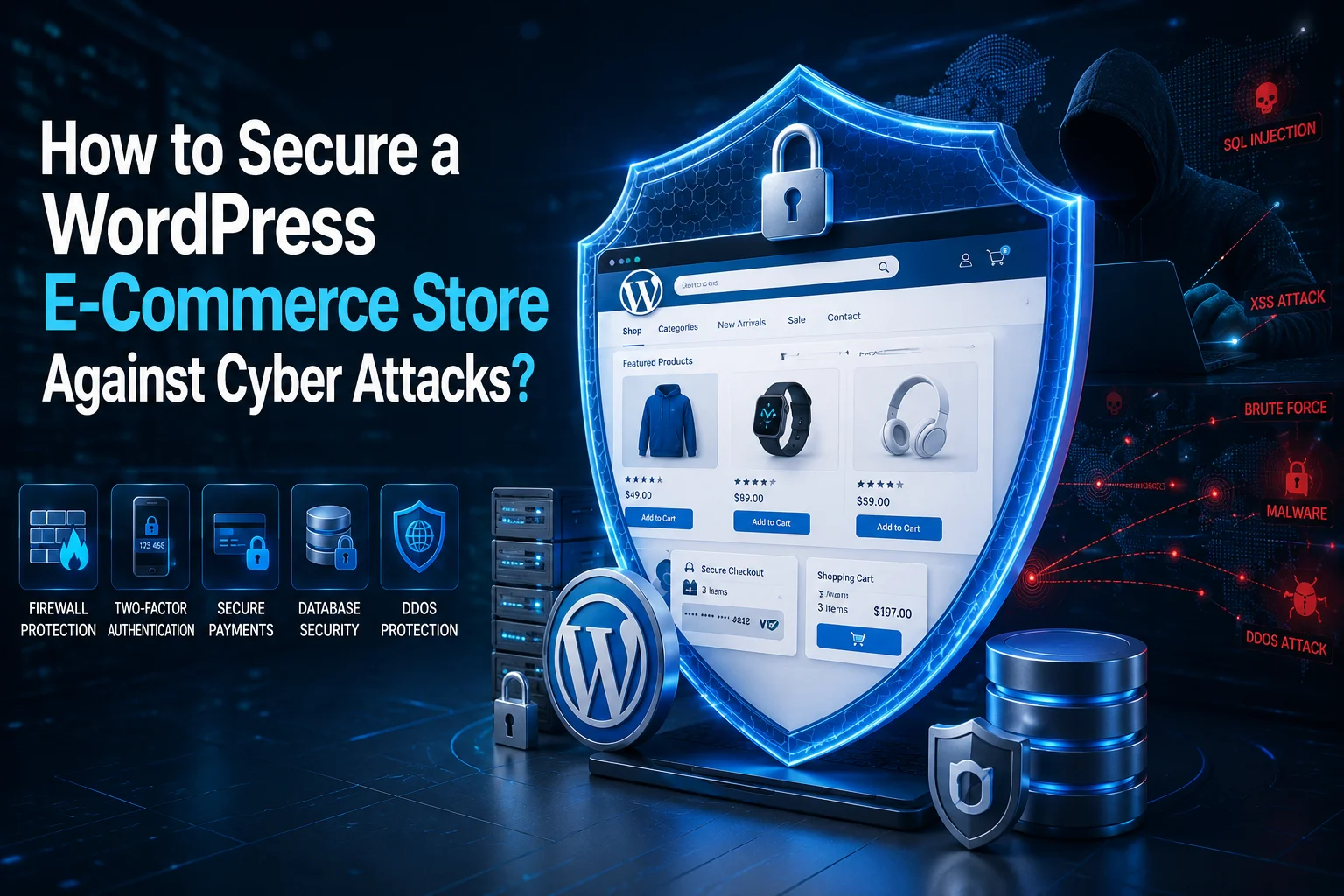
How to Secure a WordPress E-Commerce Store Against Cyber Attacks
Securing a WordPress e-commerce store against cyber attacks refers to a combination of security practices, technical solutions, and tools designed to protect sensitive customer information, financial transactions, and the overall integrity of the website. Since WordPress and e-commerce platforms such as WooCommerce are common targets for hackers and malware, implementing proper security measures is essential for maintaining a safe and reliable online business.
Website security involves several layers of protection, including access control, regular updates, data encryption, secure hosting, malware monitoring, and continuous security auditing. When these measures are properly implemented, they can significantly reduce the risk of unauthorized access, data theft, malware infections, and other cyber threats.
Table of Contents
- What Is WordPress E-Commerce Security?
- Why Is Securing a WordPress E-Commerce Store Important?
- Main Ways to Secure a WordPress E-Commerce Store
- Important WordPress E-Commerce Security Tips
- Practical Guide to Securing a WordPress E-Commerce Store
- Conclusion
- Frequently Asked Questions
What Is WordPress E-Commerce Security?
WordPress e-commerce security is the process of protecting an online store from cyber attacks, unauthorized access, malware, data breaches, and other security threats.
A typical WordPress store may contain sensitive information such as customer names, email addresses, shipping details, order information, and payment-related data. This makes e-commerce websites attractive targets for attackers.
Security should therefore be approached as a layered process rather than relying on a single plugin or security feature. Strong authentication, secure hosting, HTTPS, regular backups, software updates, firewall protection, and user access management should all work together to protect the store.
Why Is Securing a WordPress E-Commerce Store Important?
Securing an online WordPress store is about much more than protecting the website itself. A successful cyber attack can affect customer trust, business revenue, website availability, and the reputation of the brand.

Some of the most important risks include:
- Loss of sensitive data: Attackers may attempt to access customer information, account credentials, addresses, order details, or other sensitive data stored on the website.
- Financial losses: A compromised store may experience downtime, fraudulent transactions, unauthorized changes, or manipulation of payment-related settings.
- Damage to brand reputation: Customers may lose confidence in a business after a security breach, especially if their personal information has been exposed.
- Website downtime: Malware, server attacks, or unauthorized changes can make an online store unavailable to customers.
- SEO problems: A hacked website may contain malicious redirects, spam pages, or harmful scripts that can negatively affect its search visibility.
- Recovery costs: Cleaning a compromised website and restoring normal operations can require significant time and technical resources.
For an e-commerce business, security should therefore be considered an essential part of website maintenance rather than an optional feature.
Main Ways to Secure a WordPress E-Commerce Store
There are several important steps you can take to improve the security of a WordPress e-commerce website.
Use Strong and Unique Passwords
Every administrator and user account should have a strong and unique password. Avoid using simple passwords, common words, usernames, or passwords that are reused across multiple services.
A strong password should generally contain a combination of uppercase and lowercase letters, numbers, and special characters.
Using a password manager can also make it easier to generate and store unique passwords securely.
Enable Two-Factor Authentication
Two-factor authentication (2FA) adds another layer of protection to WordPress accounts.
Instead of relying only on a username and password, users must provide an additional verification method, such as a code generated by an authentication application.
Even if an attacker obtains a password, 2FA can make unauthorized access significantly more difficult.
Keep WordPress, Themes, and Plugins Updated
Keeping the WordPress core, WooCommerce, themes, and plugins updated is one of the most important security practices.
Updates may contain security fixes for vulnerabilities discovered in previous versions. Delaying important security updates can leave a website exposed to known vulnerabilities.
Before performing major updates, it is recommended to maintain a recent backup of the website.
Install a Reputable Security Plugin
Security plugins can provide additional protection through features such as malware scanning, firewall rules, login protection, vulnerability detection, and security monitoring.
Popular WordPress security solutions include tools such as Wordfence and Sucuri. However, a security plugin should be considered one layer of a broader security strategy rather than a complete replacement for secure hosting and proper website configuration.
Use HTTPS and a Valid SSL Certificate
HTTPS encrypts communication between a visitor’s browser and the website server.
For an e-commerce store, HTTPS is especially important because customers may submit account information, personal details, and other sensitive information during the checkout process.
Make sure the SSL certificate is correctly installed and that the entire website consistently uses HTTPS.
Protect the Database
The WordPress database contains important website and customer information, so it should be properly protected.
Avoid exposing database credentials and use strong credentials for the database user. It is also important to keep WordPress and plugins updated because secure coding practices and vulnerability patches help reduce the risk of attacks such as SQL injection.
Changing the default WordPress database table prefix may provide a small additional layer of protection, but it should not be considered a primary security measure.
Important WordPress E-Commerce Security Tips
Following security best practices requires attention to both technical configuration and everyday website management.
Create Regular and Automated Backups
Regular backups are essential for disaster recovery.
Ideally, maintain multiple backup copies and store at least one copy separately from the main hosting environment. If the website is compromised, damaged, or accidentally modified, a clean backup can help restore normal operations.
Your backup strategy should include both the WordPress files and the database.
Limit Login Attempts
Brute-force attacks often involve repeated attempts to guess usernames and passwords.
Limiting failed login attempts can help reduce automated password-guessing attacks. Additional measures such as 2FA, strong passwords, and login monitoring can further improve account security.
Monitor User Activity
Administrators should periodically review important account and website activity.
Monitoring can help identify suspicious behavior, such as:
- Unexpected administrator accounts
- Unusual login locations
- Changes to important settings
- Newly installed plugins
- Unexpected file modifications
- Suspicious changes to user permissions
Activity logs can be particularly useful when investigating a potential security incident.
Configure File Permissions Correctly
Incorrect file permissions may allow unauthorized users or malicious scripts to modify important website files.
File and directory permissions should follow the principle of least privilege, giving users and processes only the access they actually need.
If you are unsure about the correct permissions for your hosting environment, consult your hosting provider or a WordPress security professional.
Educate Your Team
Website security is not only a technical issue.
Employees, content managers, developers, and administrators should understand common security risks such as phishing emails, suspicious links, malicious attachments, and password reuse.
A single compromised administrator account can potentially expose an entire WordPress installation.
Disable the WordPress File Editor
The built-in WordPress theme and plugin file editor can allow administrators to edit PHP files directly from the dashboard.
Disabling this feature can reduce the risk of someone using a compromised administrator account to insert malicious code into the website.
It is also important to note that hiding or changing the default WordPress login URL should not be considered a replacement for strong authentication and proper access controls.
Practical Guide to Securing a WordPress E-Commerce Store
You can follow the steps below to create a structured security strategy for your WordPress e-commerce store.
1. Choose a Secure Hosting Provider
Choose a hosting provider that offers a secure server environment, regular backups, malware monitoring, firewall protection, and support for currently supported PHP versions.
A secure hosting environment provides an important foundation for the rest of your website security strategy.
2. Install and Configure a Security Solution
Install a reputable WordPress security plugin or security service and configure its firewall, malware scanning, login protection, and monitoring features according to your website’s needs.
Avoid installing multiple security plugins that provide overlapping firewall or scanning features unless you understand how they interact.
3. Enable SSL and Force HTTPS
Install a valid SSL certificate and make sure your website consistently uses HTTPS.
Check important areas such as:
- Homepage
- Login pages
- Account pages
- Cart
- Checkout
- Payment pages
- WooCommerce API connections
Mixed-content errors should also be identified and resolved.
4. Apply the Principle of Least Privilege
Only give users the permissions they actually need.
For example, a content editor generally does not need full administrator privileges. Reducing unnecessary privileges limits the potential damage if an account is compromised.
Regularly review your WordPress user accounts and remove accounts that are no longer required.
5. Secure WooCommerce and Payment Integrations
WooCommerce stores require additional attention because they process orders and interact with payment systems.
Keep WooCommerce and payment gateway plugins updated, use trusted payment providers, and avoid installing plugins from unknown or unverified sources.
Payment credentials, API keys, and other sensitive configuration data should also be protected carefully.
6. Perform Regular Security Audits
Security should be reviewed periodically rather than only after an attack.
A security audit can include:
- Checking outdated plugins and themes
- Reviewing administrator accounts
- Scanning for malware
- Reviewing login activity
- Checking file changes
- Testing backups
- Reviewing hosting security
- Checking SSL configuration
- Removing unused plugins and themes
Regular audits can help identify weaknesses before they become serious problems.
Conclusion
Securing a WordPress e-commerce store against cyber attacks is not a one-time task. It is an ongoing process that requires regular updates, monitoring, backups, secure authentication, and proper website configuration.
Using strong passwords, enabling two-factor authentication, keeping WordPress and WooCommerce updated, choosing secure hosting, using HTTPS, monitoring website activity, and maintaining reliable backups can significantly reduce the risk of many common attacks.
Security is also important for maintaining customer trust. A secure e-commerce environment protects not only the website itself but also the information, transactions, and business operations connected to it.
Frequently Asked Questions
What are the common cyber threats to WordPress e-commerce stores?
Common threats include malware infections, brute-force attacks, phishing, SQL injection, cross-site scripting (XSS), malicious file uploads, unauthorized account access, and data breaches. E-commerce stores may also face attacks targeting payment integrations and customer accounts.
How often should I update my WordPress site for security?
WordPress, WooCommerce, themes, and plugins should be updated regularly. Security updates should generally be applied as soon as they are safely available, while major updates should be tested and backed up before deployment.
Do I need a security plugin for my WordPress e-commerce store?
A security plugin can provide useful additional protection, including malware scanning, firewall rules, login protection, and security monitoring. However, it should be used together with secure hosting, regular updates, strong authentication, backups, and proper access management.
What is SSL, and why is it important for e-commerce?
SSL, commonly associated with HTTPS today, encrypts data exchanged between a user’s browser and the website. HTTPS helps protect information transmitted during activities such as logging in, submitting forms, and completing an online purchase.
Can I secure my WordPress e-commerce store without technical skills?
Yes. Many basic security measures can be implemented through WordPress security plugins, managed hosting services, automatic updates, backup systems, and user-friendly security tools. For advanced server configuration and security auditing, however, professional assistance may be appropriate.
What should I do if my WordPress site gets hacked?
If you suspect that your WordPress website has been hacked, avoid making unnecessary changes that could destroy useful evidence. Immediately secure administrator accounts, contact your hosting provider or security specialist, identify the source of the compromise, scan the website for malicious files, and restore the website from a known-clean backup when appropriate.
After recovery, update WordPress, WooCommerce, themes, and plugins, remove compromised or unnecessary software, reset passwords and API credentials, and investigate how the attacker gained access.


One reply on “How to Secure a WordPress E-Commerce Store Against Cyber Attacks?”