 weboxacademy | Premium WordPress Assets, SEO Training & Educational Videos
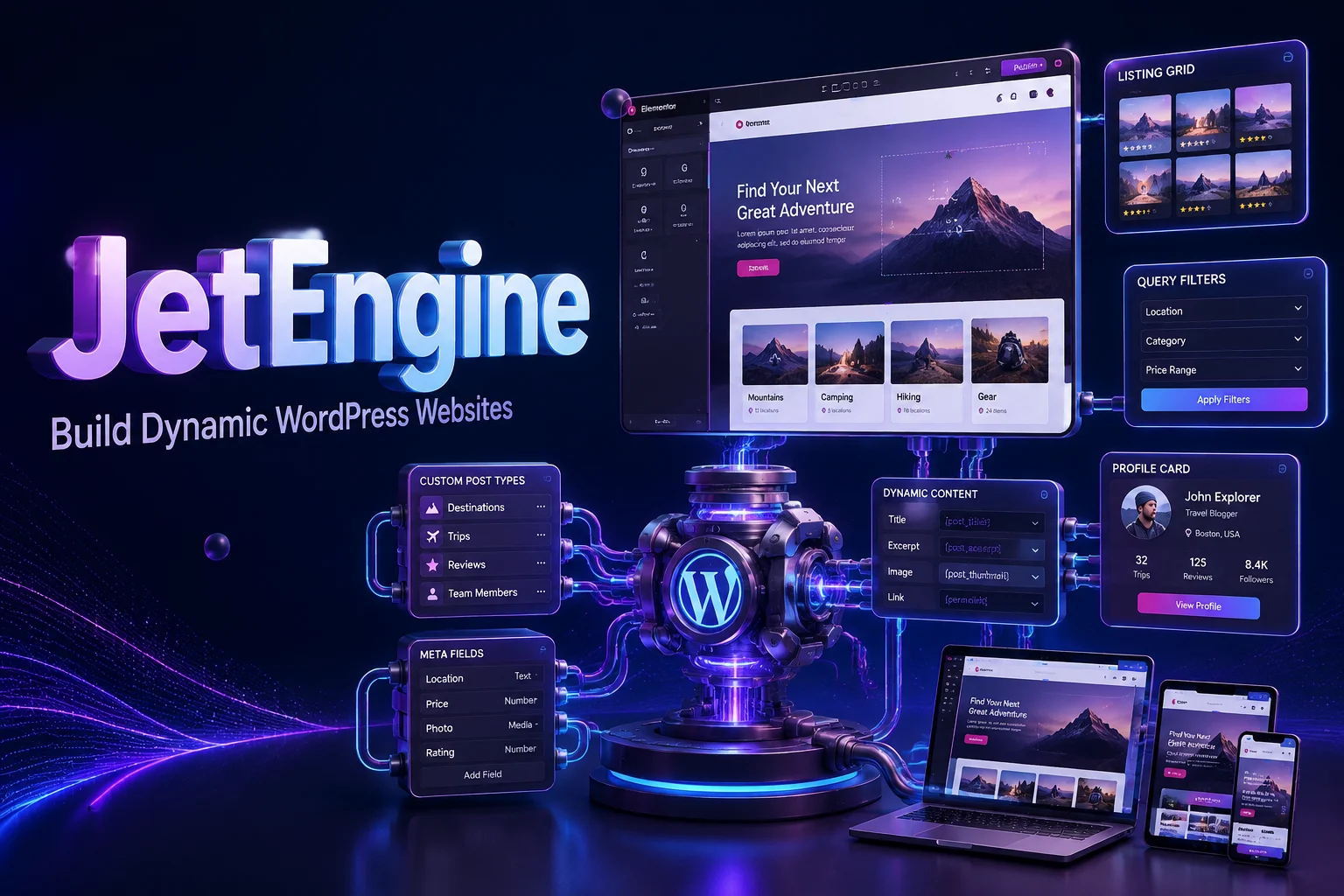
- Custom post type creation
- Custom taxonomy creation
- Advanced custom fields
- Custom meta boxes
- Dynamic content for Elementor
- Dynamic listing templates
What Is JetEngine for Elementor?
JetEngine is a powerful dynamic content plugin from Crocoblock that extends the capabilities of WordPress and Elementor. It allows you to create advanced data structures, custom content types, dynamic listings, directories, user profiles, classified websites, real estate platforms, car listing websites, educational projects, and many other professional WordPress websites.
With JetEngine, you can create custom post types, custom taxonomies, meta fields, relationships, dynamic forms, listings, queries, tables, maps, and user dashboards. You can then display this information dynamically through Elementor and create flexible website layouts based on your project requirements.
Instead of relying only on the standard WordPress post and page structure, JetEngine gives you greater control over how your website data is organized, managed, and displayed.
The plugin is designed for Elementor users who want to build more advanced websites without developing every feature from scratch. It is suitable for freelancers, agencies, developers, business owners, and anyone who needs to create a dynamic WordPress website with a flexible content structure.
What Is JetEngine?
JetEngine is a dynamic content and data management plugin for WordPress. It works with Elementor and helps you create customized content structures that are not available in WordPress by default.
For example, a real estate website may require fields such as property type, location, price, area, number of bedrooms, amenities, gallery, and map coordinates. A standard WordPress installation does not provide a complete interface for managing this type of information.
With JetEngine, you can create a dedicated custom post type for properties and add all the required custom fields. You can then display these fields in listing grids, single property pages, search results, filters, maps, and comparison layouts.
The same approach can be used for cars, job listings, doctors, courses, hotels, businesses, services, events, products, and many other types of structured data.
Key Features of JetEngine
Create Custom Post Types
JetEngine allows you to create custom post types directly from the WordPress dashboard. Custom post types help you organize different types of content separately.
You can create post types for:
- Real estate properties
- Vehicles
- Job listings
- Courses
- Doctors
- Services
- Hotels
- Events
- Businesses
- Portfolio items
- Directory listings
- Products and offers
Each post type can have its own fields, taxonomies, templates, and display settings.
Create Custom Taxonomies
Organize your custom content with custom taxonomies. You can create categories, tags, locations, features, brands, types, levels, and other classification systems according to your website structure.
For example, a property website may use taxonomies such as:
- Property type
- City
- Neighborhood
- Sale or rental status
- Number of rooms
- Property features
Custom taxonomies make it easier to organize content and create more accurate filtering and navigation systems.
Add Advanced Custom Fields
JetEngine allows you to create custom fields for storing additional information. These fields can be displayed dynamically inside Elementor templates, listing items, archive pages, single pages, user profiles, and other website sections.
Custom fields can be used for:
- Text and numeric values
- Prices
- Addresses
- Dates
- Images
- Galleries
- Select fields
- Checkboxes
- Radio buttons
- URLs
- Media files
- Repeater data
- Conditional information
This flexibility allows you to build content structures that match the exact requirements of your project.
Build Custom Meta Boxes
Create dedicated meta boxes for storing and managing custom information inside WordPress. Meta boxes help keep related data organized and make content management easier for administrators and editors.
You can configure separate fields and data groups for each post type, taxonomy, user, or other content object supported by the plugin.
Display Dynamic Content in Elementor
JetEngine connects your custom data with Elementor, allowing you to display dynamic information throughout your website.
You can use dynamic content in:
- Listing grids
- Single post templates
- Archive pages
- User profile pages
- Product layouts
- Search results
- Directory pages
- Custom dashboards
- Dynamic forms
- Maps and tables
This allows you to design the appearance of your website visually while using structured data from JetEngine.
Design Professional Dynamic Listings
Create listing templates to display multiple posts, products, users, or other types of content in an organized format.
Dynamic listings can be used for:
- Property cards
- Car listings
- Job vacancies
- Business directories
- Doctor profiles
- Course catalogs
- Service providers
- Event directories
- Product collections
You can customize the listing layout and display dynamic fields such as images, prices, locations, ratings, dates, categories, and other information.
Build Directories and Classified Websites
JetEngine is suitable for creating directory and classified websites with structured listings. You can create submission forms, listing templates, category pages, filters, user profiles, and custom search systems.
This makes the plugin useful for:
- Business directories
- Local service directories
- Classified ad websites
- Real estate portals
- Job boards
- Rental platforms
- Tourism directories
- Medical directories
- Event listing websites
Advanced Query Builder
The Query Builder allows you to create customized queries for retrieving and displaying specific data. You can define rules and conditions for selecting posts, users, terms, products, or other supported data.
This can help you display content based on:
- Categories
- Taxonomies
- Custom field values
- User relationships
- Post relationships
- Dates
- Prices
- Locations
- Status
- Author
- Product information
The Query Builder is useful when you need more control than a standard WordPress loop can provide.
Create Relationships Between Content
JetEngine allows you to connect different types of content through relationships. You can create relationships between posts, users, terms, and products, depending on your project structure.
Examples include:
- Connecting agents to properties
- Connecting authors to courses
- Connecting doctors to medical services
- Connecting vendors to products
- Connecting companies to job listings
- Connecting destinations to travel packages
- Connecting instructors to educational content
Relationships help you build a more connected and organized dynamic website.
Build Dynamic Forms
Create forms for collecting and submitting information through the front end of your website. Dynamic forms can be used for user registration, listing submission, profile editing, content updates, inquiries, and other workflows.
You can use forms for:
- Front-end post submission
- User registration
- User profile updates
- Property submissions
- Job listing submissions
- Directory entries
- Service requests
- Booking inquiries
- Content editing
Form fields can be connected to custom fields, post types, taxonomies, and user data.
Create Custom User Profiles
JetEngine can help you create customized user profile pages for members, vendors, authors, service providers, agents, instructors, or other registered users.
A user profile can include:
- Profile image
- Biography
- Contact details
- Published listings
- Products
- Services
- Reviews
- Social links
- Custom user fields
- Related content
This makes the plugin suitable for membership platforms, directories, marketplaces, professional networks, and service websites.
Build Front-End User Dashboards
Create custom user dashboards that allow registered users to manage their information and content from the front end.
Depending on your website configuration, users may be able to:
- Edit their profiles
- Add new listings
- Update existing content
- View submitted posts
- Manage products
- Review related information
- Upload media
- Submit forms
- Track their activity
A front-end dashboard can improve usability and reduce the need to provide users with access to the WordPress admin area.
Display Custom WooCommerce Product Data
JetEngine works with WooCommerce and can help you display additional product information using custom fields and dynamic templates.
This can be useful for stores that need to show:
- Technical specifications
- Product documents
- Additional product features
- Manufacturer details
- Product dimensions
- Warranty information
- Compatibility data
- Custom product attributes
You can display this information on product pages, product listings, archives, comparison layouts, or custom WooCommerce templates.
Repeater Fields
Repeater fields allow you to store multiple values under one structured field. This is useful when a post or product includes a list of related items.
Examples include:
- Property amenities
- Product specifications
- Team members
- Course modules
- Frequently asked questions
- Service features
- Travel itinerary items
- Contact information
Repeater data can be displayed dynamically in Elementor layouts.
Advanced Data Filtering
Create filtering systems that help visitors find specific content more efficiently. Filters can be connected to custom fields, taxonomies, prices, locations, categories, and other data sources.
Filtering is useful for websites with large amounts of structured content, such as:
- Property search platforms
- Car listing websites
- Job boards
- Product directories
- Business listings
- Course catalogs
- Service marketplaces
A well-configured filter system can make browsing more convenient and help users reach relevant results faster.
Create Dynamic Tables
Display structured data in table layouts. Dynamic tables can be used for comparison pages, product specifications, course information, pricing plans, directories, and other content types.
You can populate tables using custom fields, posts, products, users, or other dynamic data sources.
Build Dynamic Maps
Create maps that display locations based on dynamic data. This feature can be useful for real estate websites, business directories, travel portals, event platforms, local services, and other location-based projects.
You can display listing markers and connect them to the corresponding posts or content pages, depending on the map configuration and integrated services.
Conditional Data Display
JetEngine allows you to display content based on specific conditions. This helps you create layouts that show or hide sections according to available data, user status, field values, product information, or other conditions.
Conditional visibility can help keep your layouts clean and prevent empty fields or unnecessary sections from appearing on the front end.
Elementor Compatibility
JetEngine is designed to work with Elementor and supports dynamic website-building workflows. You can create templates visually and connect Elementor widgets to custom data from JetEngine.
This allows you to build professional layouts without manually coding every template or data output.
WooCommerce Compatibility
The plugin supports WooCommerce-based projects and can be used to extend product structures and display custom product data.
It is suitable for advanced online stores, product directories, marketplaces, and websites that need more flexibility than the default WooCommerce product layout provides.
Multilingual Website Support
JetEngine can be used in multilingual WordPress projects with the appropriate multilingual configuration. This makes it suitable for websites that need to manage dynamic content in more than one language.
Compatibility may depend on the multilingual plugin, theme, Elementor setup, and the specific dynamic features used on the website.
Responsive Design
Dynamic content and listing layouts can be designed for desktop, tablet, and mobile devices. You can adjust the structure and display of your dynamic elements to create a better experience across different screen sizes.
Lightweight Structure for Professional Projects
JetEngine provides a centralized system for managing dynamic content, which can help reduce the need for multiple separate plugins. The final website performance still depends on hosting quality, theme configuration, database size, page structure, and the number of active plugins.
Why Choose JetEngine?
Build Advanced Websites with Elementor
Elementor is a powerful visual page builder, but complex dynamic websites often require additional tools for managing structured data. JetEngine provides the content management and dynamic display features needed to build more advanced Elementor websites.
Reduce the Need for Custom Development
JetEngine can reduce the amount of custom coding required for many common dynamic website features. You can create content structures, relationships, listings, forms, and templates through configurable interfaces.
For highly specialized functionality, custom development may still be required, but JetEngine can provide a strong foundation for many projects.
Manage Dynamic Data More Easily
Organize custom information in a structured way and display it across different pages and templates. This is particularly useful when the same type of data must be managed consistently across hundreds or thousands of entries.
Save Design and Development Time
Reusable listing templates, custom fields, dynamic widgets, and query tools can simplify the process of building and maintaining complex websites.
Create Flexible Website Structures
JetEngine gives you more control over the relationship between your content and your design. You can create different layouts for different post types, taxonomies, users, products, and data sources.
Suitable for Large and Custom Projects
From a local business directory to a national real estate portal, JetEngine can be used as part of a scalable WordPress architecture for projects with advanced content requirements.
Who Is JetEngine Suitable For?
JetEngine is suitable for:
- Real estate websites
- Property listing platforms
- Car sales websites
- Classified ad websites
- Business directories
- Job boards and recruitment websites
- Professional service directories
- Educational websites
- Online course platforms
- Booking and appointment websites
- Travel and tourism websites
- Doctor and medical service directories
- Advanced WooCommerce stores
- Membership websites
- Portfolio and showcase websites
- Elementor-based custom projects
JetEngine Use Cases
Real Estate Websites
Create property post types with custom fields for price, location, area, bedrooms, bathrooms, amenities, gallery images, agent information, and map location.
Car Listing Platforms
Build vehicle listings with fields for brand, model, year, mileage, fuel type, transmission, price, images, and technical specifications.
Job Boards
Create job listings with fields for company, position, salary, location, employment type, experience level, deadline, and application information.
Business Directories
Create searchable business profiles with categories, addresses, opening hours, contact details, services, reviews, and location maps.
Educational Websites
Organize courses, instructors, lessons, levels, categories, learning resources, and student-related information using structured dynamic content.
Medical Directories
Build doctor and healthcare provider profiles with specialties, locations, services, working hours, contact details, and appointment-related information.
Technical Features
- Custom post type creation
- Custom taxonomy creation
- Advanced custom fields
- Custom meta boxes
- Dynamic content for Elementor
- Dynamic listing templates
- Directory and classified website features
- Advanced Query Builder
- Post, user, product, and content relationships
- Dynamic front-end forms
- Custom user profiles
- Front-end user dashboards
- Custom WooCommerce product data
- Repeater fields
- Advanced filters
- Dynamic tables
- Dynamic maps
- Conditional visibility
- Elementor compatibility
- WooCommerce compatibility
- Multilingual website support
- Responsive layouts
- No-code and low-code configuration options
Get JetEngine for WordPress
Build a flexible and data-driven WordPress website with JetEngine for Elementor. Create custom post types, advanced fields, listings, directories, user profiles, dynamic forms, relationships, filters, tables, maps, and custom WooCommerce layouts from one powerful solution.
Whether you are creating a real estate website, directory, job board, educational platform, classified website, medical portal, or advanced Elementor project, JetEngine gives you the tools to organize and display dynamic content professionally.
Purchase JetEngine from WeBox Academy and receive the plugin with easy installation, regular updates, and the resources needed to develop advanced WordPress projects.
Take your Elementor website beyond standard pages and build a fully dynamic WordPress experience with JetEngine.



There are no reviews yet.