 weboxacademy | Premium WordPress Assets, SEO Training & Educational Videos
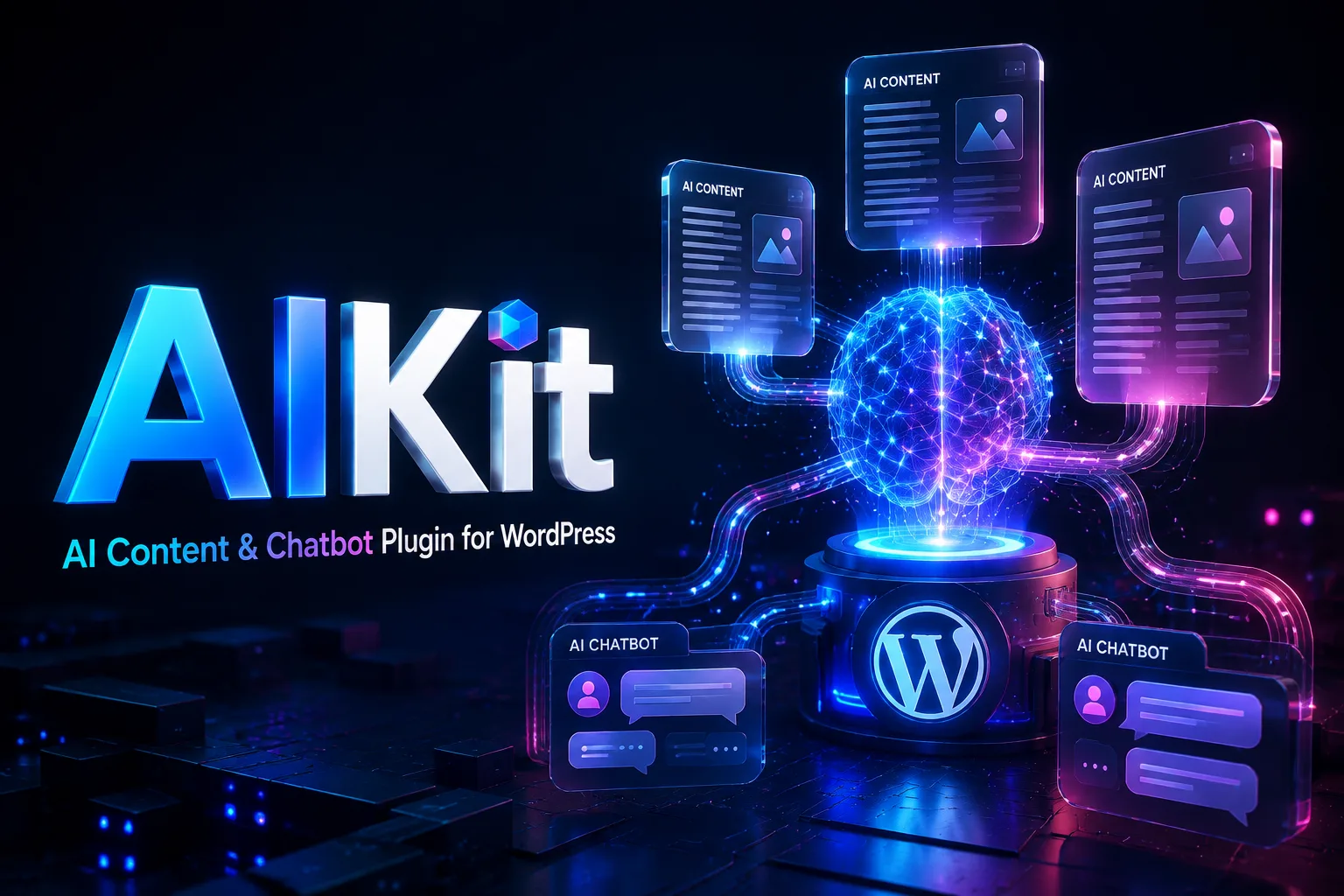
AIKit is an all-in-one WordPress AI plugin designed to help website owners create content, generate images, build intelligent chatbots, repurpose existing media, and manage AI-powered workflows from one familiar dashboard.
Whether you run a blog, online store, news website, agency, or content-driven business, AIKit helps you reduce repetitive tasks and produce useful content more efficiently. It works with popular WordPress editors and supports a wide range of AI-powered tools for writing, editing, automation, customer support, and visual content creation.
Why Does Your WordPress Website Need AIKit WordPress AI plugin?
Creating high-quality content consistently can take a significant amount of time. Researching topics, writing articles, preparing product descriptions, generating images, answering customer questions, and keeping your website updated often requires several separate tools.
AIKit brings many of these capabilities together inside WordPress.
Instead of switching between multiple platforms and paying for several independent subscriptions, you can use one centralized plugin to support your daily content and website management tasks. AIKit gives you practical tools for generating new content, improving existing copy, creating visual assets, and providing instant assistance to visitors.
The plugin is built for users who want to work faster without sacrificing control. You can define your preferred prompts, choose the structure of your content, adjust the tone of generated text, and review everything before publishing it on your website.
AIKit does not replace editorial judgment. It gives you a faster starting point, allowing you to spend more time reviewing, refining, and adding the experience that makes your content genuinely valuable.
AI Auto-Writer for Structured Content
The AI Auto-Writer helps you create long-form, organized content using a target keyword, topic, or brief.
You can provide a general subject or define a more focused content idea. AIKit then helps generate an article with a logical structure, headings, paragraphs, summaries, tables, and a conclusion based on your selected settings.
Flexible Article Structure
AIKit allows you to control important elements of the article before the content is generated. Depending on your workflow, you can define:
-
article before the content is generated. Depending on your workflow, you can define:
-
of each section
-
The preferred writing tone
-
The language of the content
-
The type of content you want to create
-
Additional instructions for the AI model
This level of control is useful for bloggers, SEO teams, agencies, and businesses that follow a consistent editorial process.
Key Takeaways, Tables, and Conclusions
Long articles are easier to read when they are properly organized. AIKit can help include useful content elements such as key takeaways, comparison tables, section summaries, and final conclusions.
These elements can improve the reading experience and make important information easier to scan, especially for users who visit your website from mobile devices.
You can still edit the generated content before publishing it. This gives you control over the final wording, links, examples, formatting, and brand voice.
AI-Generated Featured Images
AIKit can also assist with creating relevant images for your content. Depending on your selected image-generation service and configuration, you can generate visual assets for use as:
- Featured images
- Blog illustrations
- Section images
- Product visuals
- Social media content
- Supporting graphics
Generated images can be saved directly to the WordPress Media Library, making them available for use in Gutenberg, Elementor, WooCommerce, and other parts of your website.
Repurpose Existing Content with AIKit
Creating a new article from scratch is not always necessary. Your website may already contain videos, articles, product information, or other valuable material that can be transformed into new formats.
AIKit helps you repurpose existing content and adapt it for different publishing channels.
Convert YouTube Videos into Articles
You can provide a YouTube video URL and use the available transcription or API integration to extract the spoken content. AIKit can then help turn that information into a readable article for your website.
This workflow can be useful for:
- Educational videos
- Product demonstrations
- Interviews
- Tutorials
- Webinars
- Podcast episodes
- Industry discussions
The resulting article can be edited, expanded, optimized, and adapted to your website’s tone before publication. For the best results, add your own introduction, supporting examples, internal links, and expert commentary.
API access and third-party service requirements may vary depending on your configuration. Make sure that you have the necessary permissions to reuse the source material and follow the terms of the original platform.
Turn URLs into New Articles
The URL-to-Article feature helps you create a new draft based on information available at a source URL.
AIKit can analyze the accessible content and generate a fresh version that follows your selected instructions and writing style. This can help with research, content planning, and transforming reference material into a new article.
The purpose of this feature is to help you create original content based on information, not to publish copied material. Before publishing, review the generated text carefully and add unique insights, examples, data, opinions, and references. Always respect copyright, licensing, and content ownership requirements.
Automate Content from RSS Feeds
If you regularly monitor news sources, blogs, or industry publications, AIKit can help you work with RSS feeds.
After configuring your preferred feeds, the plugin can monitor new entries and assist with rewriting or preparing content in the style of your website. This can be useful for websites that publish industry updates, technology news, product announcements, or curated content.
Automated publishing should be used responsibly. Human review is recommended to verify facts, remove inaccuracies, add context, and ensure that the final article provides genuine value instead of simply repeating information from another source.
Fine-Tuning and Custom AI Instructions
Every website has its own tone, terminology, products, and audience. Generic AI responses may not always reflect your brand accurately.
AIKit supports custom data and instructions to help you create more consistent AI-generated content and chatbot responses.
You can provide structured information through CSV files or convert selected pages from your website into question-and-answer data. This information can then be used to support more relevant responses and more specialized content generation.
This feature can be useful for:
- Product information
- Frequently asked questions
- Customer support documentation
- Brand guidelines
- Service descriptions
- Internal terminology
- Technical knowledge bases
- Training and educational material
Custom data should be accurate, current, and carefully organized. The quality of the information provided to the AI system directly affects the quality of the generated output. For sensitive business data, review your API provider’s privacy policy and data-handling terms before uploading information.
Build a Smart WordPress Chatbot
AIKit allows you to add an AI-powered chatbot to your WordPress website without building a chatbot system from the ground up.
You can configure the chatbot to match your website’s visual identity and provide responses based on your instructions, available data, and the page where the visitor is browsing.
Context-Aware Conversations
A chatbot can be more helpful when it understands the context of the current page. For example, a visitor viewing a product page may need information about features, compatibility, installation, or usage. A visitor reading a service page may want to know about pricing, delivery, or the next step.
AIKit can help create more relevant interactions by using page-specific information and your predefined instructions.
The chatbot can support tasks such as:
- Answering common questions
- Explaining product features
- Guiding visitors to relevant pages
- Helping users compare products
- Providing basic pre-sales assistance
- Directing users to support resources
- Collecting questions for your team
The quality of chatbot responses depends on the selected AI model, the data provided, your instructions, and the quality of your website content.
Match the Chatbot to Your Brand
The can be customized to fit your website your website’s design. You can adjust its appearance and behavior so that it feels like a natural part of your WordPress website rather than an unrelated external service.
AIKit feels like a natural part of your WordPress website rather than an unrelated external service.
AIKit depending on the plugin version, API availability, and your selected provider configuration.
Generate Images with DALL·E and Stable Diffusion
Written content is only one part of a successful website. Original visual assets can help your blog posts, landing pages, product pages, and social content stand out.
AIKit supports image generation through compatible services and engines such as DALL·E and Stable Diffusion. You can enter a prompt and generate images based on your desired subject, style, composition, and visual direction.
Generated images can be used for:
- Blog featured images
- Website banners
- Product illustrations
- Educational content
- Social media posts
- Creative concepts
- Custom website graphics
The final image quality depends on the selected model, prompt, configuration, and available API service. As with any third-party platform, usage costs and service availability may vary.
Once generated, images can be saved to the WordPress Media Library and used in Gutenberg, Elementor, WooCommerce, or other compatible areas of your website.
WordPress Editor and WooCommerce Compatibility
AIKit is designed to fit into common WordPress publishing workflows.
Elementor Integration
The plugin includes an Elementor widget or integration for generating text and images while designing pages. This allows you to work with AI-assisted content without constantly leaving the page builder.
Elementor compatibility depends on the installed versions of WordPress, Elementor, AIKit, and other active plugins. Based on the current product requirements, Elementor 3.5 or later is required for the related integration.
WooCommerce Product Content
AIKit can help online store owners prepare product content more efficiently. You can use it to create or improve:
- Short product descriptions
- Full product descriptions
- Product Full product descriptions
- Product- Product variations
- Usage instructions
- SEO-focused sales copy
- Frequently asked questions
AI-generated product content should always be checked for accuracy. Confirm specifications, dimensions, compatibility, warranty information, pricing, and product claims before publishing.
Gutenberg and Classic Editor
AIKit can also work with the Gutenberg editor and the WordPress Classic Editor. From the relevant editing interface, you can use AI-assisted tools to:
- Write new paragraphs
- Rewrite existing content
- Change the tone of a text
- Summarize long sections
- Simplify complex language
- Create subheadings
- Correct spelling and grammar
- Expand short content
This makes AIKit useful for both new content creation and everyday editing.
Additional AIKit Features
AIKit includes several tools designed to make content production more efficient:
- Direct connection to compatible OpenAI APIs without a separate intermediary platform fee
- Support for more than 30 languages, including Persian
- Custom prompt creation and prompt organization
- Text summarization
- Tone adjustment for formal, friendly, or professional writing
- Subheading generation
- Simplification of complex text
- Scheduled content generation and publishing workflows
- AI-assisted image creation
- Chatbot customization
- Content transformation from different sources
API usage fees may still apply. The exact cost depends on the provider, model, number of requests, token usage, image generation, and chatbot activity.
Important Requirements Before Buying AIKit
Before installing AIKit, review the following requirements:
API Key Required
AIKit requires an API key from OpenAI or another compatible AI and image-generation service. API keys are not included with the plugin unless clearly stated in your purchase terms.
You are responsible for creating and managing your API account, billing, usage limits, and provider settings.
Hosting and Server Configuration
Some hosting environments may require additional configuration to communicate with external AI APIs. If your website is hosted on a server with access restrictions, contact your hosting provider and ask them to verify outbound HTTPS connections to the required API endpoints.
Your hosting provider may recommend a proxy or another server-side configuration. This should be handled by the hosting company and configured according to the API provider’s terms and security requirements.
WordPress and Elementor Versions
AIKit requires WordPress 5.8 or later based on the provided product requirements. The Elementor integration requires Elementor 3.5 or later.
Always check the latest compatibility information before purchasing, as plugin and platform requirements may change over time.
Is AIKit Right for Your Website?
AIKit can be a practical choice if you need to produce more content, improve editorial workflows, assist visitors, create product descriptions, or reduce the amount of repetitive work inside WordPress.
It is especially suitable for:
- Bloggers and publishers
- WordPress agencies
- SEO professionals
- WooCommerce store owners
- Content marketing teams
- Educational websites
- News and magazine websites
- Businesses that need a website chatbot
- Website owners who manage content in multiple languages
AIKit works best when it is combined with human review, accurate source information, a clear content strategy, and proper SEO optimization. AI-generated text should be treated as an editable draft that needs fact-checking, refinement, and brand-specific input.
There are no reviews yet.