 weboxacademy | Premium WordPress Assets, SEO Training & Educational Videos
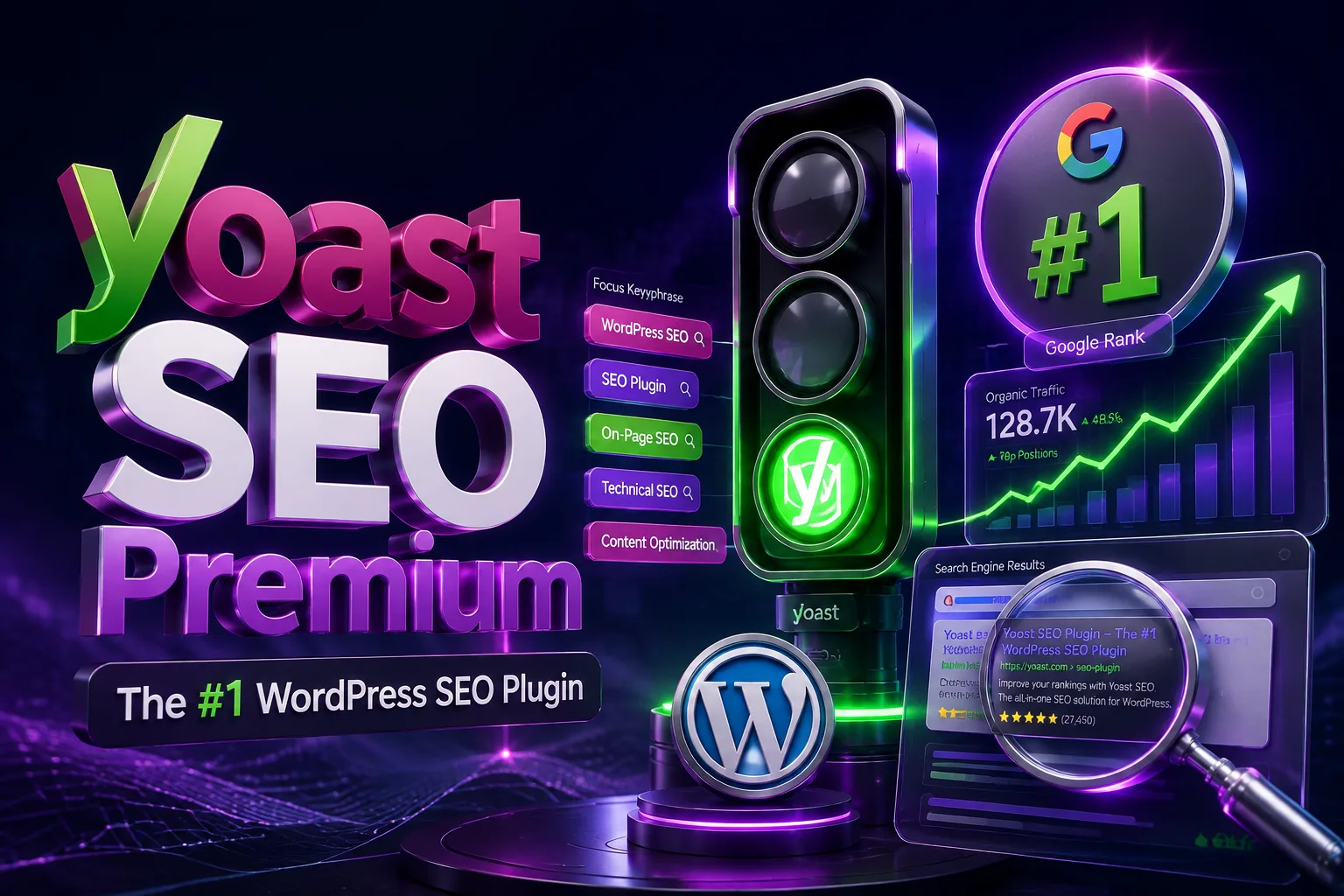
Buy Yoast SEO Premium for WordPress from WebBoxAcademy. Improve on-page SEO, manage redirects, optimize keyphrases, and build better internal links.
Yoast SEO Premium is a complete Word SEO Premium for WordPress
Yoast SEO Premium is a complete Word search appearance, internal links, and redirects.
It works directly inside the WordPress editor and gives you practical recommendations while creating pages, posts, products, and other content. Instead of checking every SEO detail manually, you can review important on-page elements from one place before publishing.
The plugin helps with tasks such as optimizing keyphrases, writing better meta titles and descriptions, improving content readability, finding internal linking opportunities, and managing redirects when URLs change.
Yoast SEO Premium is suitable for business websites, online stores, blogs, service websites, news platforms, and multilingual WordPress projects. It is also useful for agencies and freelancers who manage SEO for multiple websites.
Why Use Yoast SEO Premium?
Publishing content is only one part of SEO. A page also needs a clear title, a useful meta description, a logical heading structure, relevant internal links, and a URL that can be understood by both users and search engines.
Yoast SEO Premium brings these checks into your normal WordPress workflow. You do not need to leave the editor every time you want to review the SEO status of a page. The plugin shows its recommendations while you are writing, making it easier to identify problems before the content goes live.
It does not promise automatic first-page rankings, and no SEO plugin can honestly make that promise. What it does provide is a reliable set of tools for handling the technical and on-page details that are often missed during content production.
For websites that publish regularly, manage many URLs, or have several people working on content, this can save a significant amount of time.
Main Features of Yoast SEO Premium
On-Page SEO Analysis
Yoast SEO Premium analyzes your content and checks many of the basic elements that affect on-page optimization. It can help you review the use of your target keyphrase, title, introduction, headings, image alt text, links, and other content signals.
The analysis is available inside the WordPress editor, so you can make changes while the page is still being prepared. The recommendations are not a replacement for SEO experience, but they provide a useful checklist for avoiding common mistakes.
Optimize Related Keyphrases
The Premium version allows you to optimize a page for a primary keyphrase along with related keyphrases. This is useful when a page naturally covers several closely connected search terms instead of focusing on only one phrase.
For example, a page about WordPress security may also include related topics such as malware protection, login security, security plugins, and website hardening. Yoast helps you review these terms without forcing you to repeat the same keyword unnaturally throughout the text.
The plugin also recognizes synonyms and different word forms in supported languages, which makes the content analysis more flexible.
Readability Analysis
Good SEO content should also be easy to read. Yoast checks elements such as sentence length, paragraph structure, passive voice, subheadings, transition words, and other readability signals.
This is especially helpful when several writers contribute to a website. It gives the team a consistent review process and helps prevent pages from becoming difficult to scan.
The readability analysis should be used as guidance rather than a strict writing rule. A professional product page, technical guide, and blog post do not always need exactly the same sentence structure.
Internal Linking Suggestions
Internal links help users discover related content and help search engines understand the relationship between pages on your website.
Yoast SEO Premium can suggest relevant pages and posts to link to while you write. This makes internal linking easier, particularly on websites with a large content library where it is difficult to remember every related URL.
The suggestions can be useful for:
- Connecting product pages to relevant tutorials
- Linking blog posts to service pages
- Improving navigation between related topics
- Directing authority toward important pages
- Finding pages that have few or no internal links
You remain in control of the final links. The plugin provides suggestions, but you decide which links genuinely make sense for the reader.
Redirect Manager
Changing a URL without creating a redirect for the reader.
Redirect Manager
Changing a URL without creating a redirect a page, edit a permalink, move content, or reorganize a website.
Yoast SEO Premium includes a redirect manager that helps you create and manage redirects from inside WordPress. It can also notify you when a URL changes and help you deal with the old address.
The redirect tools are useful for managing:
- 301 permanent redirects
- 302 temporary redirects
- Deleted pages
- Changed product URLs
- Reorganized blog categories
- Domain or website migrations
- URL changes after website redesigns
A properly configured redirect helps visitors reach the correct page and reduces unnecessary 404 errors.
Google Search Preview
Before publishing a page, you can preview how its title, URL, and meta description may appear in Google search results.
This helps you check whether the title is too long, whether the description communicates the page’s value, and whether the result looks clear enough to encourage a click.
The preview is an estimation, not a guarantee of exactly how Google will display the page. Search engines may rewrite titles or descriptions depending on the search query and page content.
Social Media Preview
Yoast SEO Premium also lets you control and preview important sharing information for platforms such as Facebook and X.
You can set the social title, description, and image instead of relying entirely on the default page data. This is useful when the wording that works for search results is different from the message you want to show on social media.
A suitable image and a clear social title can make shared links more recognizable and improve the overall presentation of your content.
Meta Title and Description Management
You can set custom SEO titles and meta descriptions for posts, pages, products, archives, and other supported content types.
This gives you better control over how important pages are presented in search results. You can write a title that matches the page’s search intent and a description that explains what users will find after clicking.
Yoast also provides variables that can automatically insert information such as the page title, site name, category, or publication date. These are useful for large websites, although important landing pages and product pages should generally have individually written metadata.
Structured Data and Schema Support
Yoast SEO automatically adds structured data to help search engines understand the main entities and content types on your website.
Depending on the page and active integrations, structured data may describe elements such as:
- Articles
- Web pages
- Breadcrumbs
- Organizations
- Products
- Authors
- Search actions
Structured data does not guarantee rich results or higher rankings. However, accurate technical markup gives search engines clearer information about the content and structure of your website.
Breadcrumb Management
Breadcrumbs show the visitor’s location within your website. They are useful for blogs, online stores, documentation websites, and other projects with multiple levels of content.
Yoast SEO includes breadcrumb settings that help you configure this navigation structure. Breadcrumbs can improve usability and may also provide search engines with additional information about the relationship between pages.
The final appearance depends on your WordPress theme or page builder and may require theme-level support.
XML Sitemap Generation
Yoast SEO automatically generates XML sitemaps for supported content types. These sitemaps help search engines discover important URLs on your website.
You can manage which post types, taxonomies, and archive pages should be included. This is helpful when you want to keep low-value or unnecessary pages out of the sitemap.
A sitemap does not replace internal linking or guarantee indexing. It simply gives search engines a structured list of URLs that are available for crawling.
SEO for WooCommerce Websites
Yoast SEO can be used alongside WooCommerce to manage the SEO settings of product pages and store content. You can edit product titles, meta descriptions, social previews, and other on-page elements from the WordPress dashboard.
For more advanced WooCommerce-specific features, Yoast offers a separate WooCommerce SEO extension. The exact features included in your purchase should be checked against the license and package provided by WebBox Academy.
Elementor Integration
Yoast SEO works with Elementor and allows you to review SEO-related information while editing supported content. This means you can build the layout visually while still checking the page’s keyphrase, SEO title, meta description, and readability settings.
The exact interface can vary depending on your WordPress, Elementor, Yoast SEO, and theme versions.
Multilingual SEO Support
Yoast SEO supports content analysis in multiple languages and can be used on multilingual WordPress websites. It is compatible with common multilingual setups, although the final result depends on the translation plugin, website configuration, and the way each language version is managed.
For multilingual websites, it is important to create unique titles, descriptions, internal links, and content for each language instead of simply translating metadata automatically.
What Can You Do with Yoast SEO Premium?
With this plugin installed, you can manage many everyday SEO tasks directly from WordPress:
- Set individual SEO titles and meta descriptions
- Review content optimization before publishing
- Analyze related keyphrases
- Check readability and content structure
- Add and manage redirects
- Find internal linking opportunities
- Preview pages in Google search results
- Customize social sharing information
- Manage breadcrumbs
- Control XML sitemap content
- Use structured data generated by Yoast
- Optimize WooCommerce content
- Review SEO settings while working with Elementor
- Manage SEO content across multilingual websites
The value of Premium becomes more noticeable as the website grows. On a small website with only a few pages, some of these tasks can be handled manually. On a website with dozens or hundreds of URLs, having these tools inside the editor makes the workflow much easier to manage.
Who Is Yoast SEO Premium For?
Yoast SEO Premium is a good fit for:
- WordPress business websites
- WooCommerce stores
- Service-based websites
- Blogs and content platforms
- Educational websites
- News and magazine websites
- Download websites
- Multilingual websites
- Startup websites
- Freel
- Multilingual websites
- Startup websites
- Freel with multiple content editors
It is particularly useful when you want to improve the consistency of your content process and reduce the time spent handling redirects, metadata, and internal links manually.
Yoast SEO Premium for Online Stores
Product pages need more than a product name and a price. They should clearly explain what the product does, who it is for, and why someone should choose it.
With Yoast SEO Premium, you can optimize product titles and descriptions, create better social previews, review the readability of product copy, and connect products with relevant guides or category pages through internal links.
For stores with many products, templates and variables can also help maintain consistent metadata. However, important products should still have unique descriptions and carefully written titles. Automatically generated SEO fields are convenient, but they should not replace useful product information.
Yoast SEO Premium for Content Teams
When several people publish content on the same website, quality can vary from one page to another. One writer may forget a meta description, another may use weak headings, and someone else may change a URL without considering redirects.
Yoast gives the team a shared set of checks inside the WordPress editor. It helps content managers review pages more consistently before publication and makes basic SEO requirements easier to follow.
This is one of the main reasons the plugin is widely used by agencies, publishers, and businesses with regular content production.
Buy Yoast SEO Premium from WebBoxAcademy
Purchase Yoast SEO Premium for WordPress from WebBox Academy and equip your website with a practical toolkit for on-page SEO, content analysis, internal linking, metadata management, and redirects.
After purchase, you will receive the plugin files, installation information, Persian localization, and updates according to the product terms provided by WebBox, installation information, Persian localization, and updates according to the product terms provided by WebBox SEO tasks from inside WordPress without depending on multiple separate tools. It can support your content workflow, but the final results still depend on the quality of your content, website structure, technical performance, and overall SEO strategy.
Before buying, review the product details, supported versions, update conditions, and license information listed on this page.

There are no reviews yet.